 zrsPOS
Close a till from the admin
Close a till from the office when a tablet couldn't: choose the till, look at the open period, count the drawer and close.
When a tablet couldn't close a till (it broke, nobody closed before leaving), a manager closes it in the admin: Till close › Close a till now, or Close … now on a store's page. "Close a till a tablet couldn't close."
Close it
Which till: choose the Store, and its SAGE till when it closes per till. Tap See the open period.
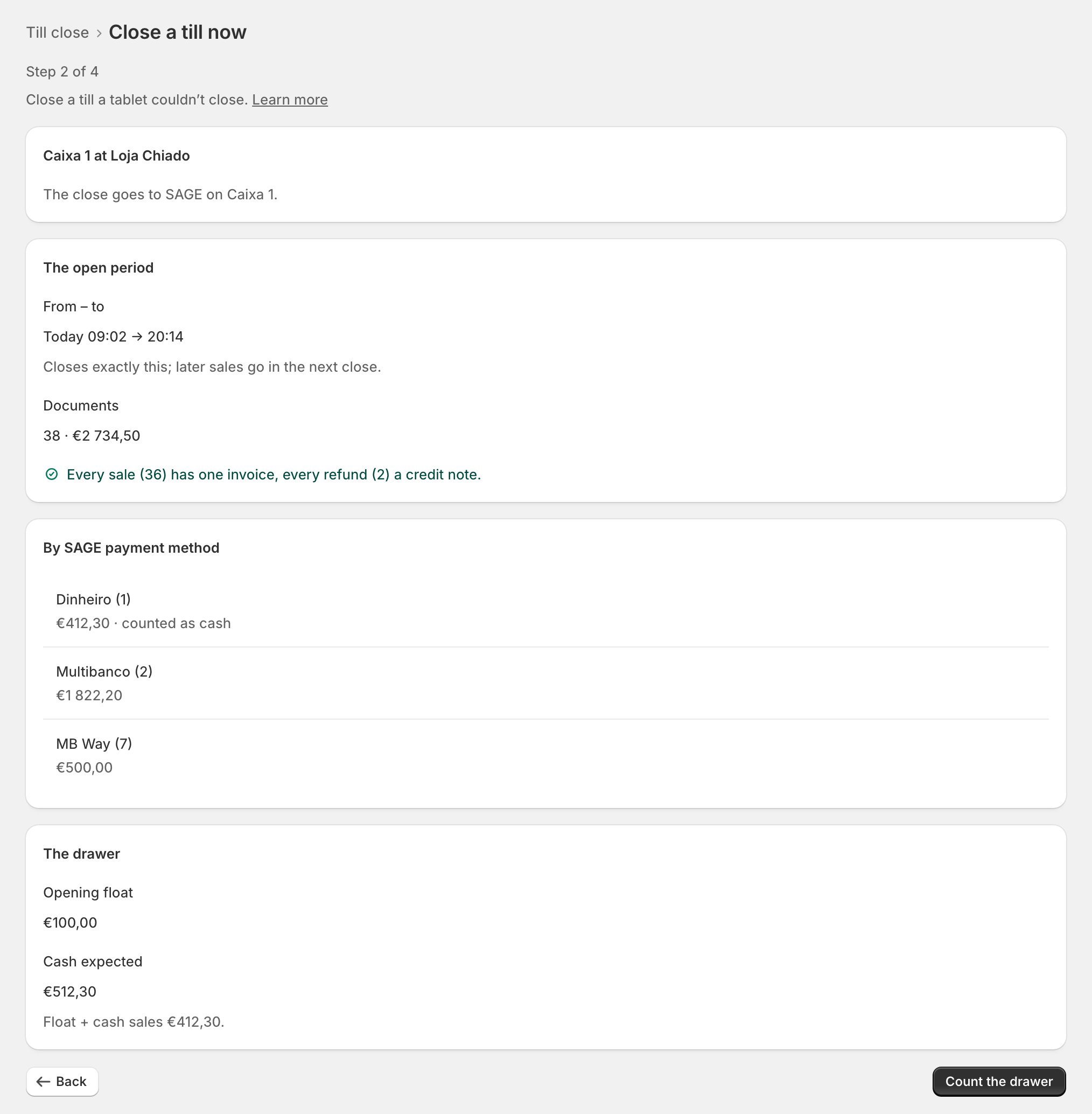
The open period: "From – to", the Documents, the documents check, the totals By SAGE payment method and The drawer (opening float and cash expected). "Closes exactly this; later sales go in the next close."
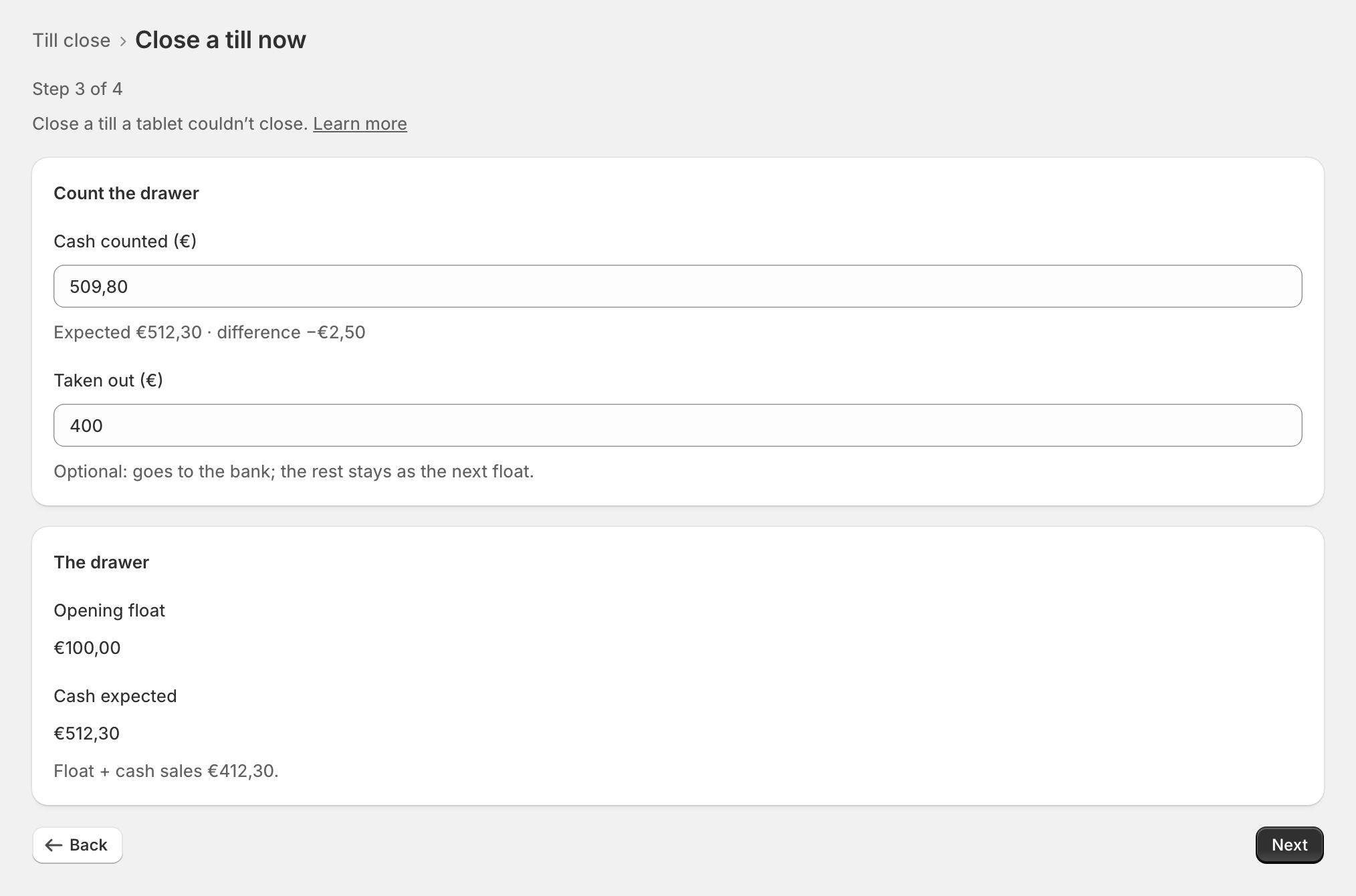
Count the drawer: type Counted (before taking out): the cash in the drawer before you take any money out; the line under it shows "Expected … · difference …". Type what was Taken out (€) for the bank; the line "Stays in the drawer: …" shows counted minus taken out (taken out cannot be more than counted), and the Opening float (€) when no opening recorded one. Amounts take the decimal comma (509,80).
Close: tap Close Caixa 1 now. The admin asks first: "A till close document goes to SAGE and can't be changed. It closes … exactly." Confirm, and the progress shows "Closing in zrsPOS", "Sending to SAGE", "Reading back from SAGE".
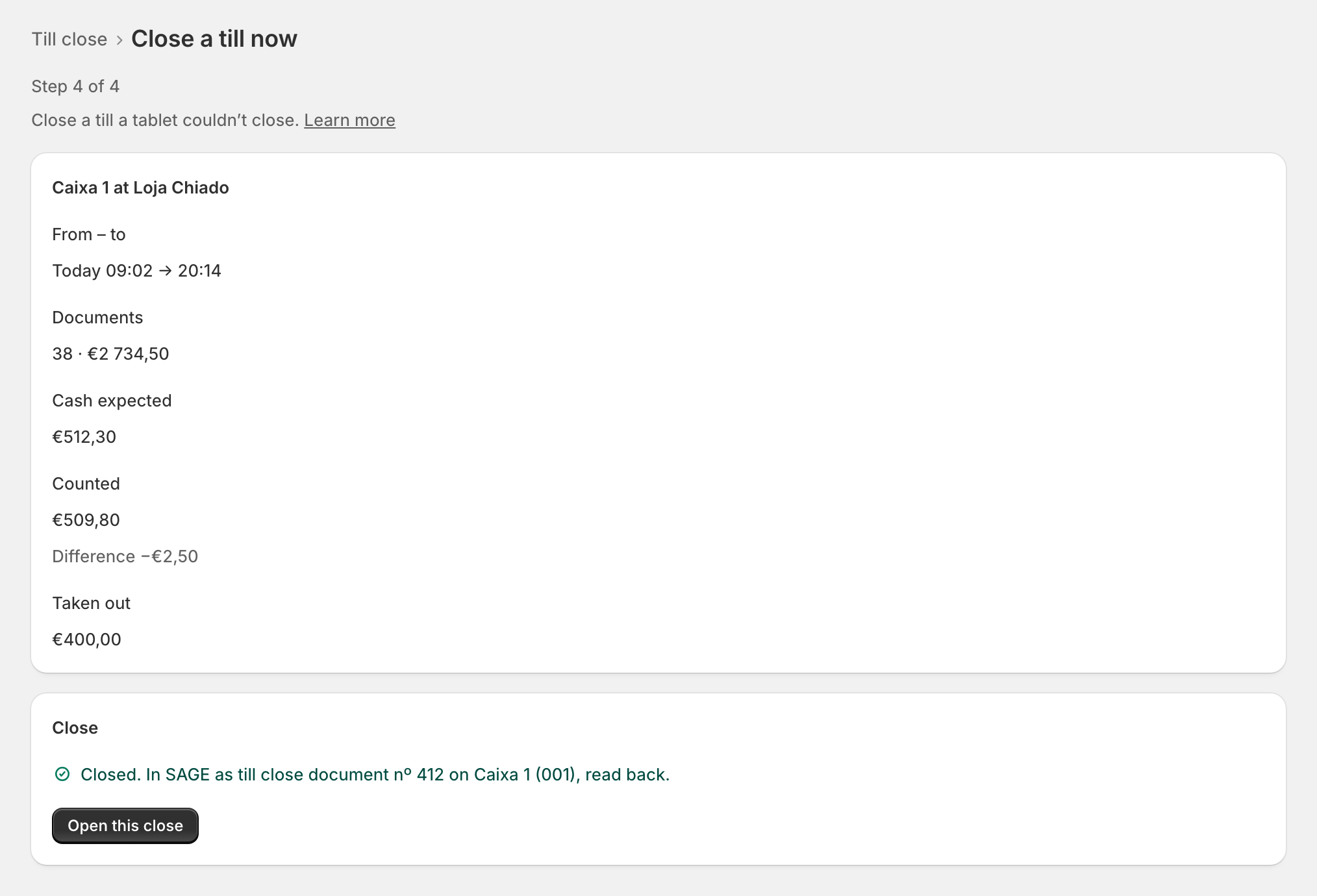
"Closed. In SAGE as till close document …, read back." Open this close shows it in full. At a store that does not send its closes: "Closed, and kept in zrsPOS."
Edge cases
- Closed in the meantime on a tablet: nothing is closed twice. "This till was closed in the meantime: look at the period again before closing." The page reads the period again.
- SAGE did not take it: "Closed in zrsPOS." · "Not in SAGE yet: …". The close is kept; zrsPOS tries again by itself. See The close in SAGE.
- A till not opened today: "Caixa 3 wasn't opened today: this covers since its last close."
- Not counted in your rules: Count the drawer says the close shows the expected cash, with Open the closing rules.
- Sales without a document: "Not everything has its document: … You can still close: they stay on Documents to fix." Each one opens on Documents.
- Too many sales for one close: "this one ends at … and isn't counted. Close again for the rest."
- Too much activity to read at once: it can't be closed here; Write to support@zrspos.com, and support closes it in parts.
- A paused store: the sales made before the pause can still be closed.
- SAGE has no open session on the till: the close stays in zrsPOS and nothing is sent to SAGE.
- Who closed shows on the close as "…, in the admin". An admin close counts as a manager's, whatever the closing rules say.
- A read-only plan still lets you close a till.
- The cash count never comes from Shopify POS: what you type is the count.