 zrsPOS
Previews waiting
Online returns made in Preview wait with their credit note built; issue them together once online returns are Automatic.
In Preview, each online order returned at a till finds its invoice and builds its credit note, but sends nothing to SAGE. The returns wait on Settings › Online returns and exchanges › Previews waiting, each with its order, store, online invoice and amount.
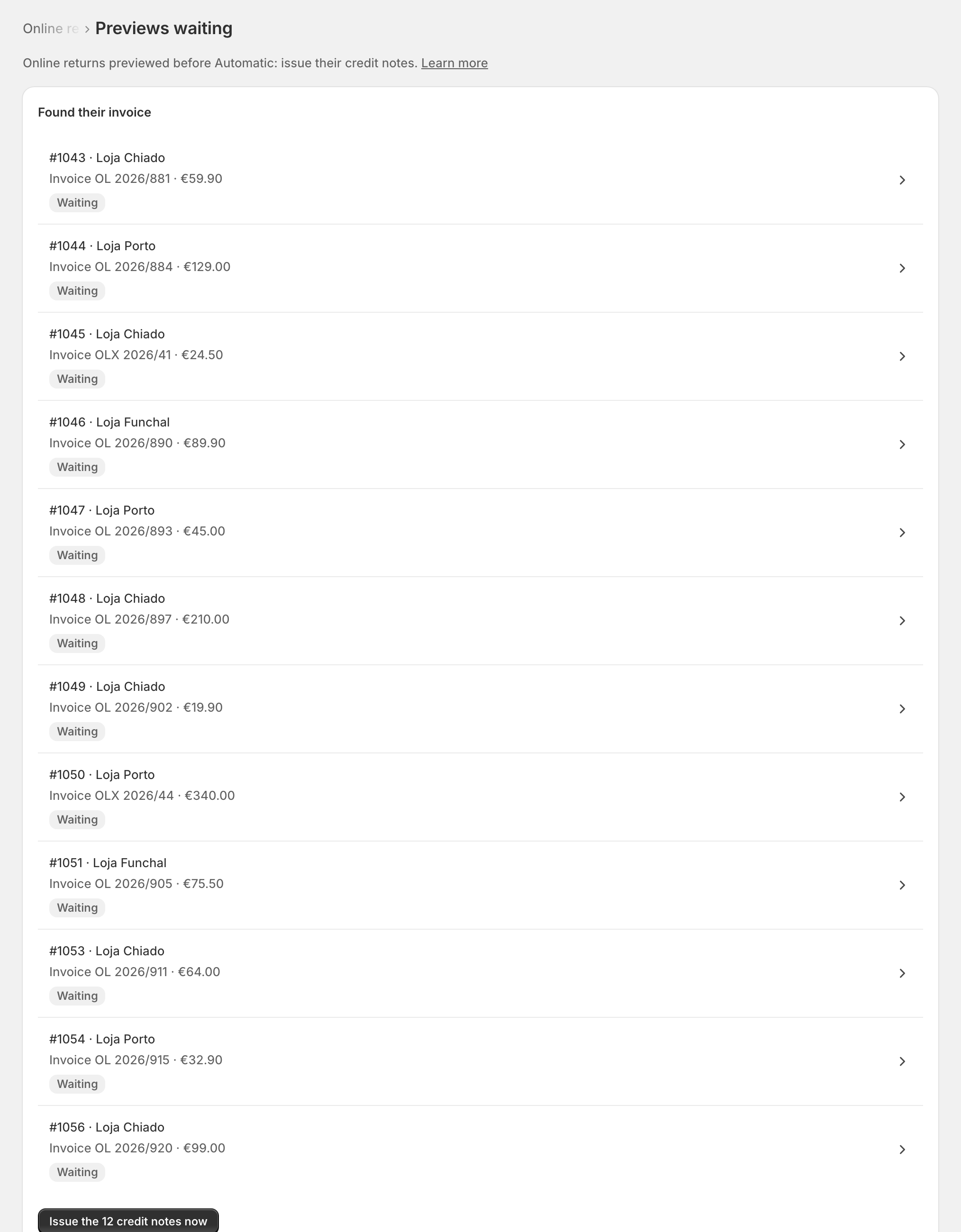
Open a row to see on Documents exactly what would go to SAGE.
Issue the credit notes
Switch online returns to Automatic first. While in Preview the page says Issuing needs Automatic: switch it on first.
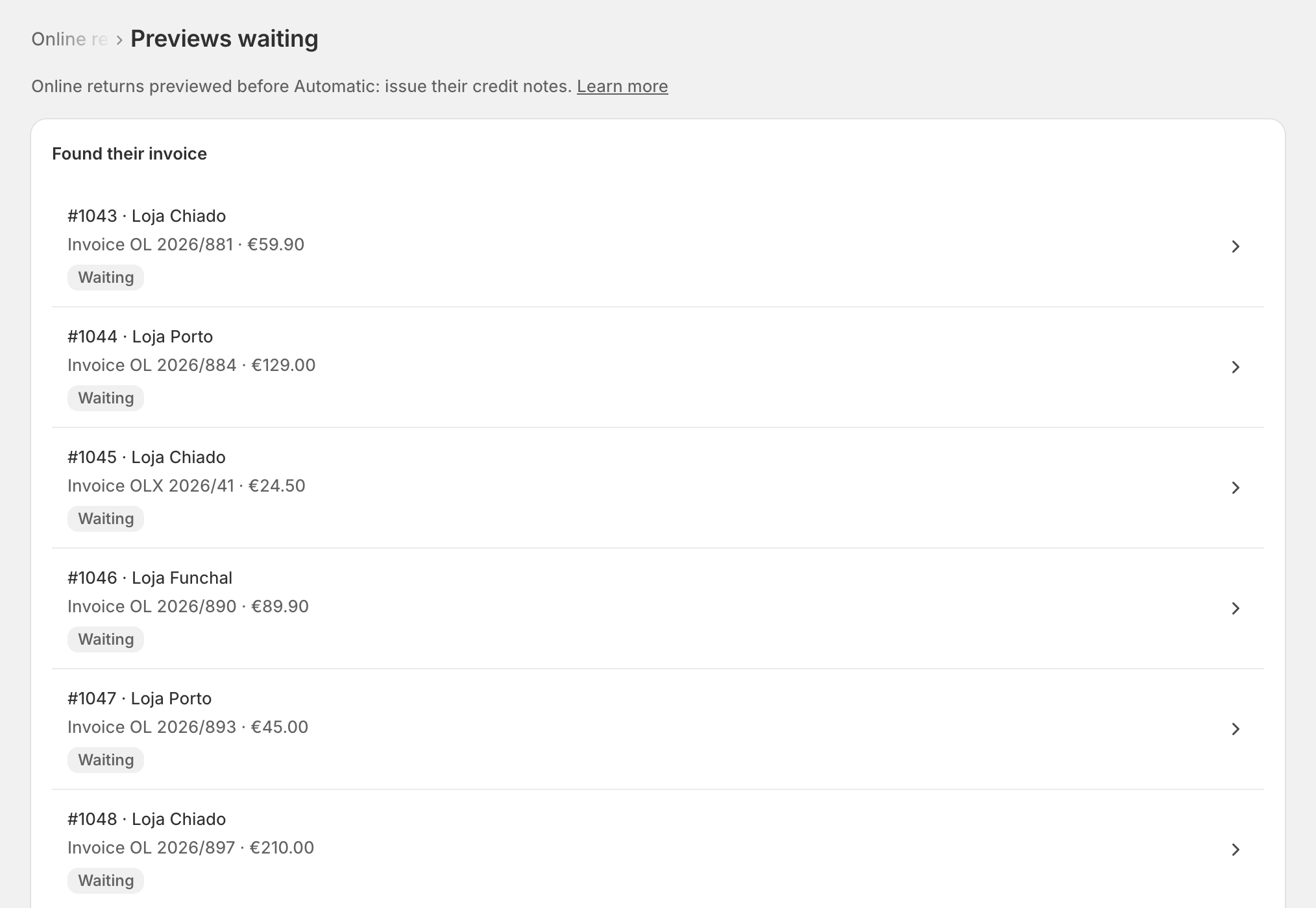
Tap Issue the … credit notes now and confirm. "Each goes to SAGE against its online invoice and can't be changed. zrsPOS reads each one back."
zrsPOS issues them one by one, shows each step, and reads each back from SAGE.
It then says what became of each: credit note and its number, not issued and why, or not confirmed.
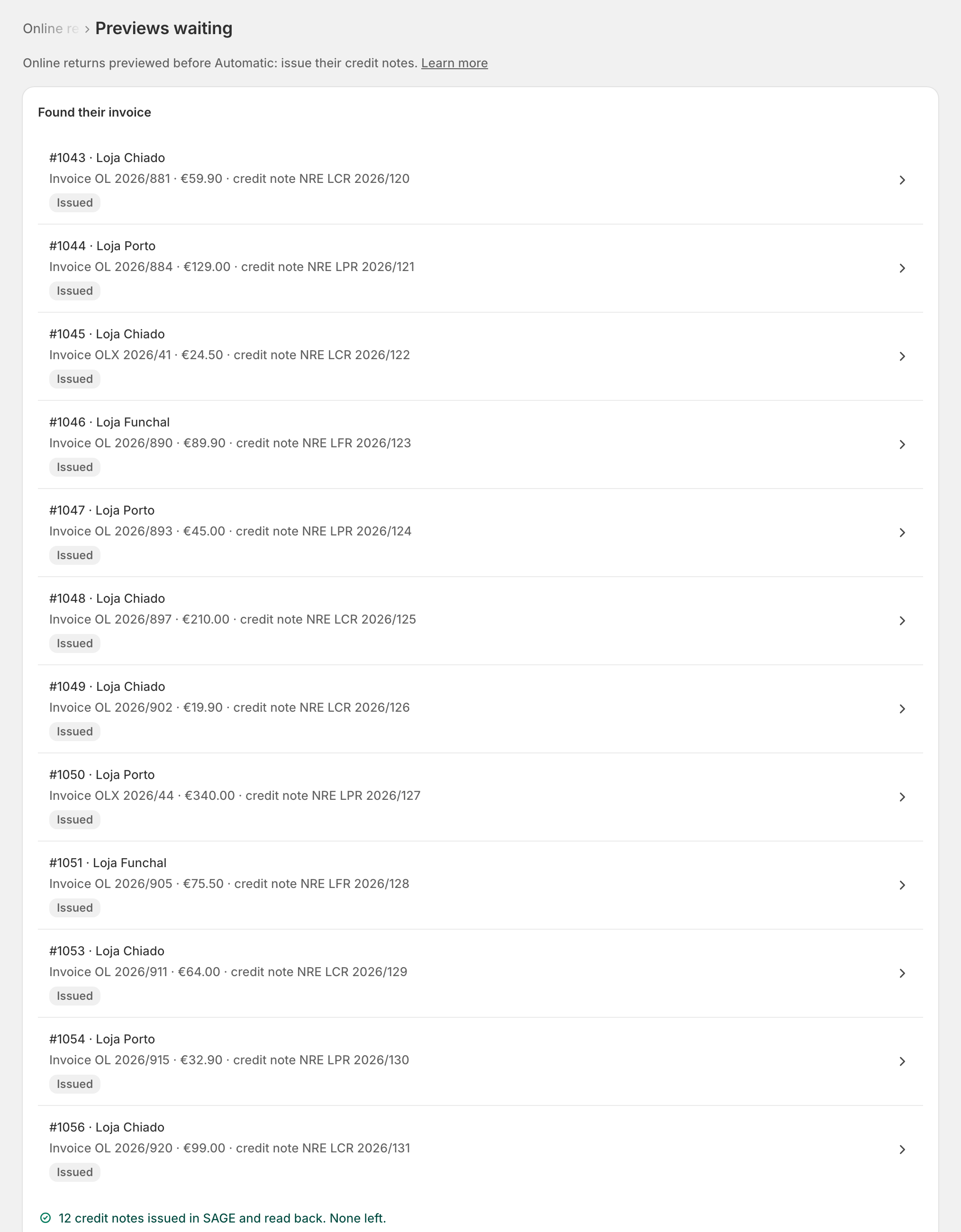
Each credit note is issued once only: issuing again never duplicates one that went through.
Edge cases
- Leave them: each preview waits on Documents until you issue it.
- SAGE does not answer and reading back shows a credit note was not issued: issuing stops there. Stopped at …: the next one wasn't attempted. Try again later.
- Not confirmed: zrsPOS could not tell whether it was issued. Check Documents before issuing it again, or in SAGE by hand.
- This page lost track of the issuing: some credit notes may have gone through. Check Documents before issuing any of these in SAGE by hand.
- Online returns are off: issue these in SAGE by hand, then archive them on Documents.
- Made under the old SAGE company: zrsPOS can't issue them (their invoice is the old company's). Issue each in SAGE by hand, then archive it on Documents.
- The till close shows a preview as online return in preview, not an error.
- A read-only plan can't issue credit notes.
More in Returns & exchanges
- A return at the till
- Which document a return issues
- How the money goes back
- An exchange at the till
- Store credit
- Book store credit as a voucher
- A sale zrsPOS did not invoice
- A sale made in SAGE, at the till
- Many sales made in SAGE
- Exchange a sale made in SAGE
- Online orders returned at a store
- Set up online returns
- A refund the till cannot make
- Returns problems