 zrsPOS
The Global Blue account
The Global Blue login for stores without one of their own - environment, username and password, Sender ID, Test the login, and switching to production.
Tax Free › Global Blue account: "The Global Blue login for stores without one of their own." It is the IC2 Integra login Global Blue gave you.
The login
- Environment: Test ("Forms are not real. Use it until Global Blue confirms.") or Production ("Real forms: travellers claim their VAT back."). "Global Blue gives you a test login first, then the production one when you go live."
- Username and Password: "zrsPOS stores it encrypted and never shows it again." Change password replaces it.
- Stores using it: every store that has no login of its own. When every store has its own: "None: each store has its own login".
- Under Sent to Global Blue: the Sender ID, "Agreed with Global Blue. Leave it as it is.", and the Global Blue page theme, "Only if Global Blue gave you one."
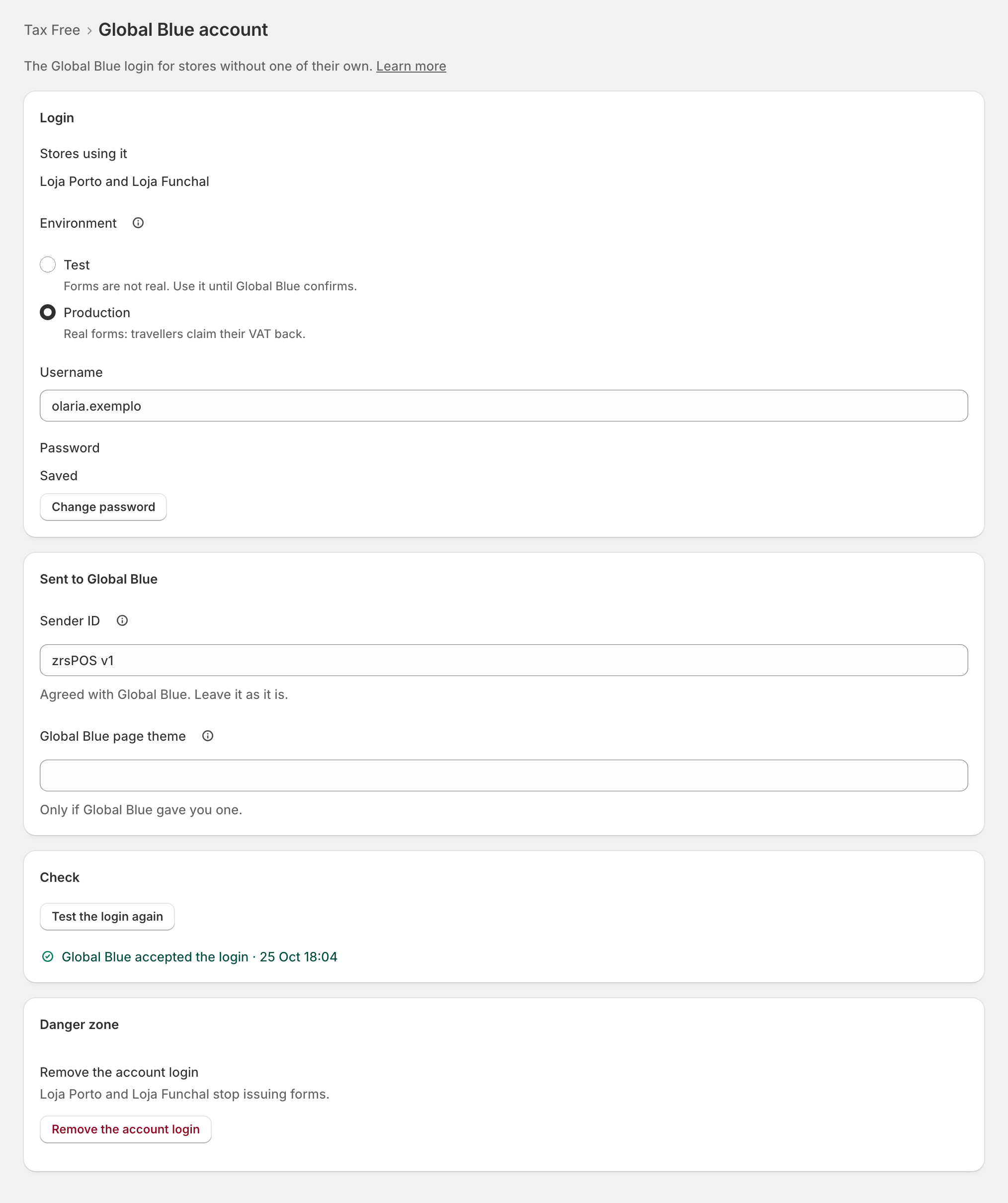
Test the login
Press Test the login: zrsPOS asks Global Blue for a session with the saved login and keeps the answer.
- "Global Blue accepted the login · …"
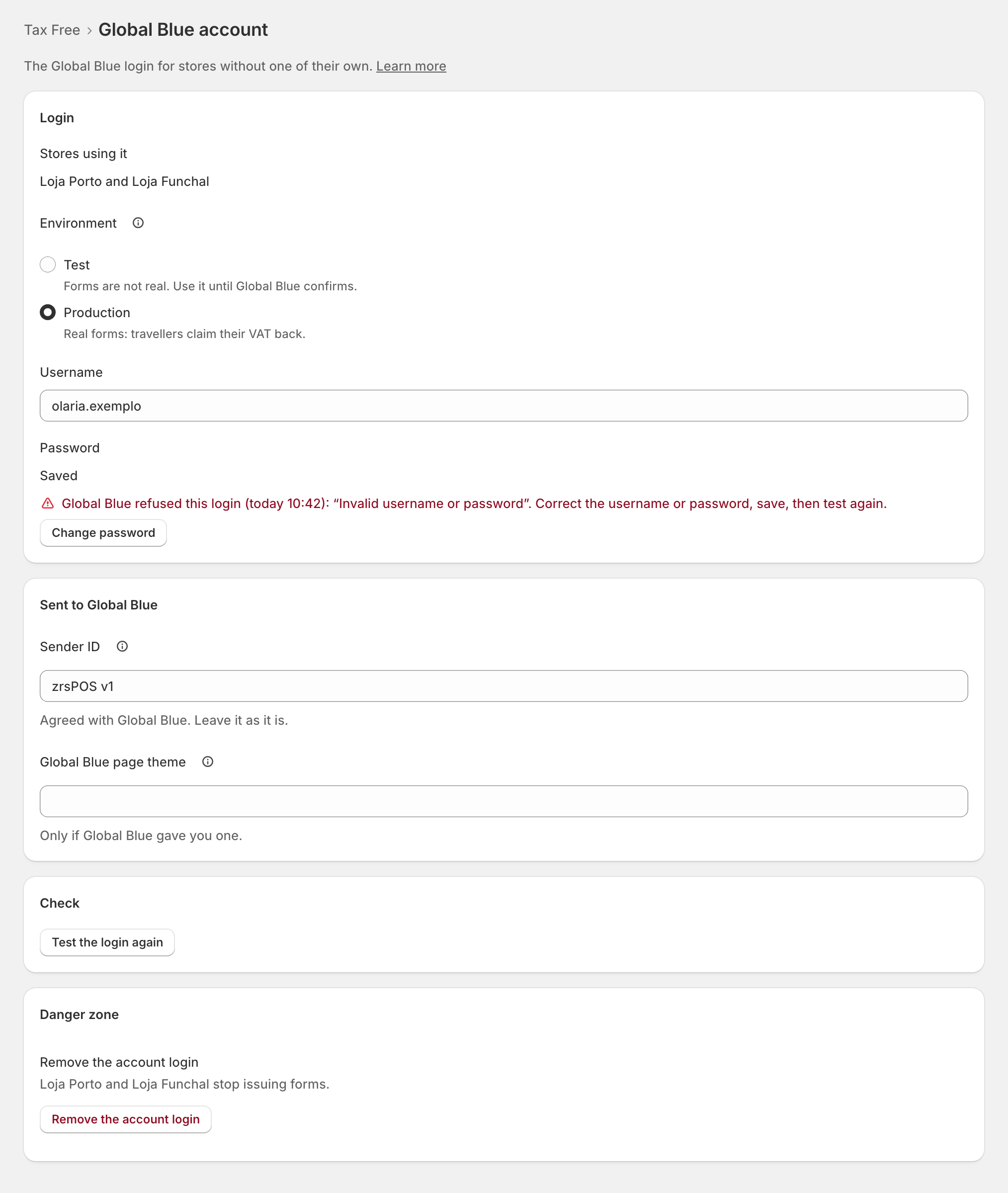
- "Global Blue refused the login (…): “…”." The reason is Global Blue's own words.
- "Global Blue did not answer within 20 seconds (…). It may be busy: try again in a moment."
Saving a changed login clears the last result: test again after a save. A change on a shop that already issues documents asks first: "From the next form, … sign in with … Test the login once it is saved."
Switch to production
Keep Test until Global Blue confirms your go-live. Choosing Production asks first: "From the next form, forms are real and travellers claim their VAT back. Switch only once Global Blue confirms your go-live."
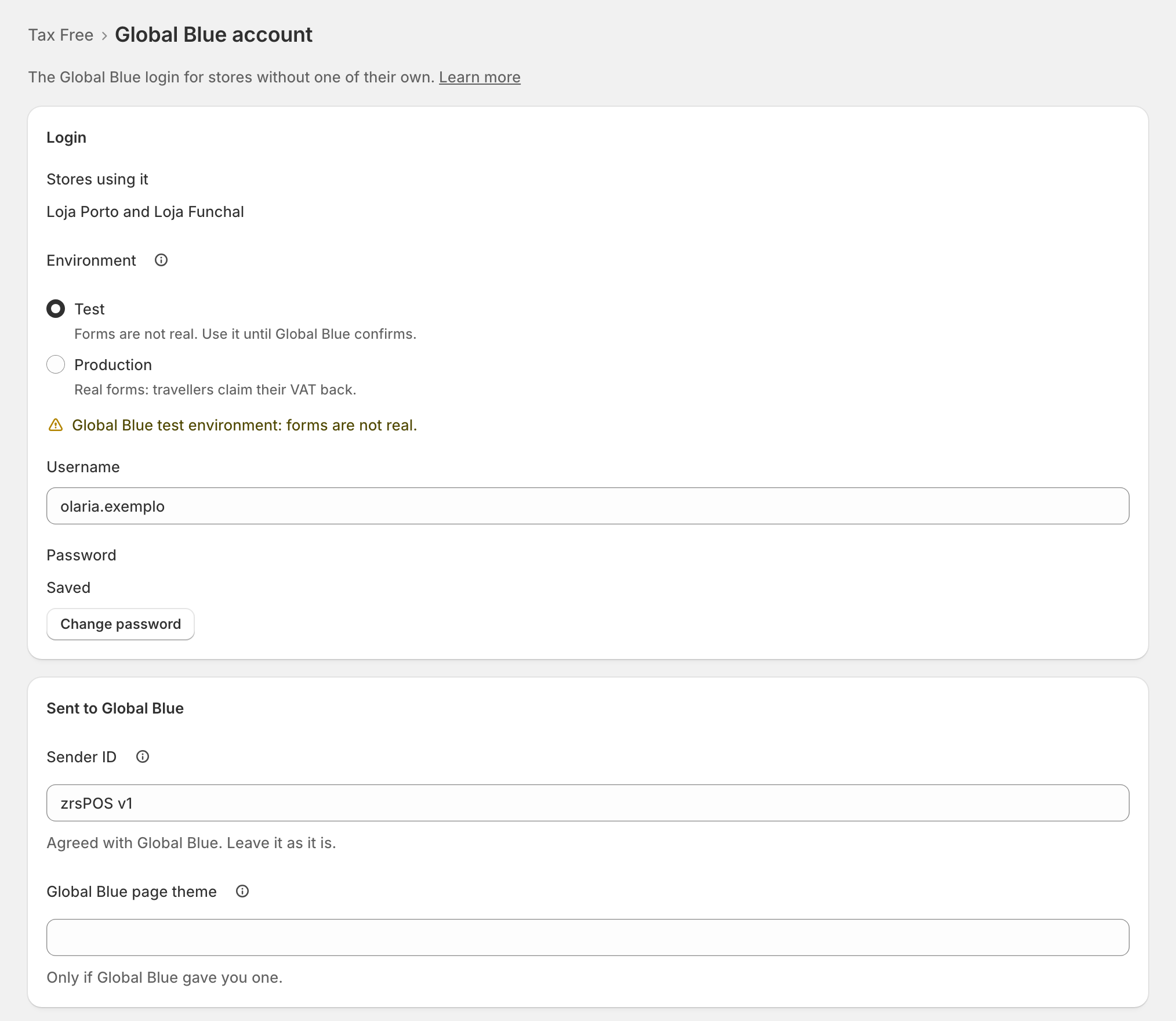
On a shop that already issues documents, the test environment shows a problem: "Global Blue test environment: forms are not real." Before you go live it is just a fact.
Edge cases
- "No password saved: … can’t sign in to Global Blue." A username alone is not a login.
- Remove the account login asks first: "… use it and stop issuing forms. Stores with a login of their own keep working." It is refused while forms not yet voided belong to stores that sign in with it, because a refund voids them with that login. Remove it once they are voided, or give those stores a login of their own.
- Every store has its own login: the Tax Free page says "Not needed: each store has its own login".
- A read-only plan: "You can look, and remove the login, but not change it."
- The account login refused also stops the stores that use it; their desks say "Signs in with the account login, refused …". Fix it here, not on each desk.
- The tablet shows TEST at the top while the account is on the test environment, and the POS Tax Free window says "Global Blue environment: TEST".