 zrsPOS
Tax Free with zrsPOS
What Tax Free with zrsPOS needs, how a Tax Free sale goes from the till to the Global Blue form, and the Tax Free page with its switch, We sell Tax Free.
For stores that sell to travellers from outside the EU, through Global Blue. Every plan includes it. Everything Tax Free is on one page: Settings › Tax Free, "Global Blue tax-free forms for travellers, issued at your stores."
What you need
- Your own contract with Global Blue, and the login it gives you (see The Global Blue account).
- A Global Blue shop ID for each store that sells Tax Free (see Desks).
- Three SAGE codes: the deposit item, the VAT-exempt group and the VAT rate of each zone (see SAGE codes for Tax Free).
- A tablet at the counter running the zrsTaxFree app, and a printer for the forms (see Pair a tablet).
How a Tax Free sale works
- Before payment, staff tap the Tax Free tile in Shopify POS and register the traveller. See A Tax Free sale at the till.
- After payment, zrsPOS issues an invoice-receipt in the traveller's name, with the goods VAT-free and one deposit line. See The Tax Free invoice.
- The sale appears on the zrsTaxFree tablet. Staff issue the Global Blue form there and it prints. See Issue the form on the tablet.
- If the sale is refunded later, zrsPOS voids its form by itself. See Forms issued and voids.
The switch: We sell Tax Free
Everything depends on We sell Tax Free. Turning it on or off asks first.
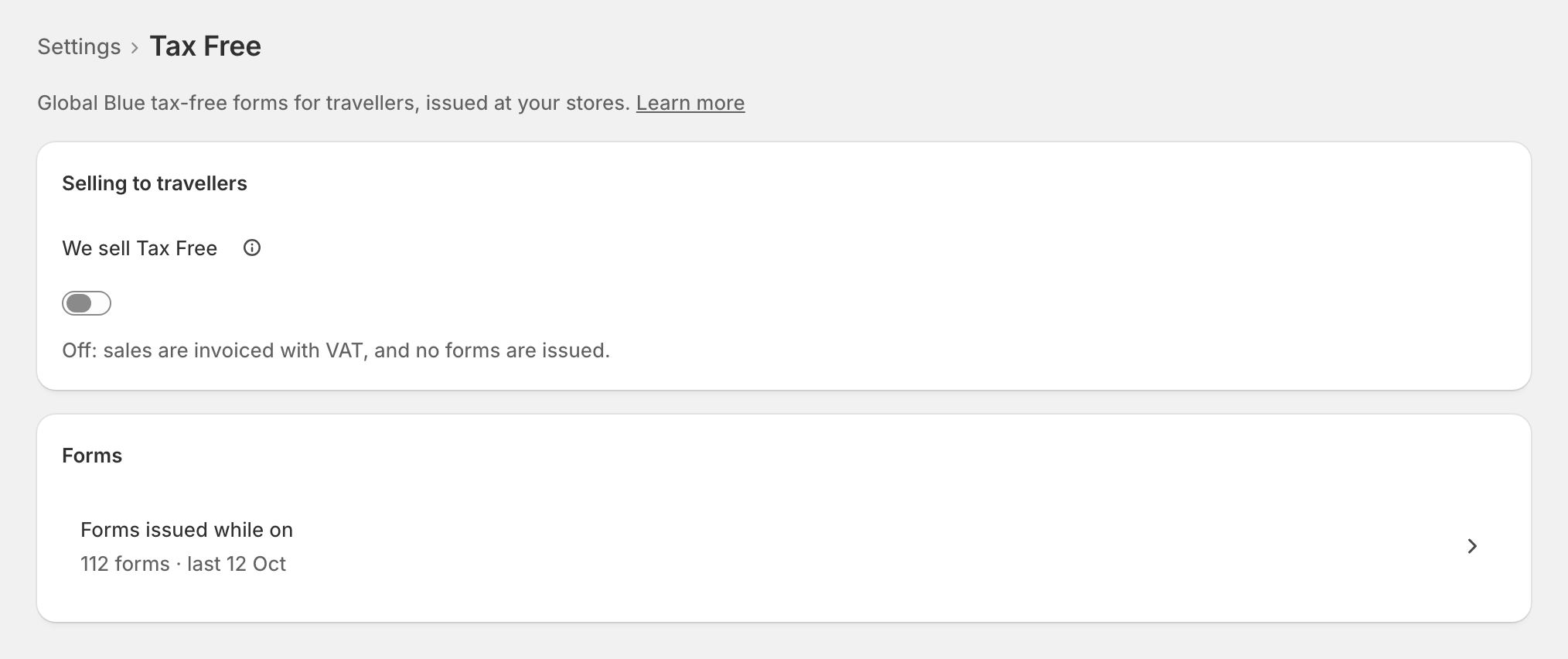
- Off: "Off: sales are invoiced with VAT, and no forms are issued." Your setup stays saved. Forms issued while it was on stay under Forms issued while on.
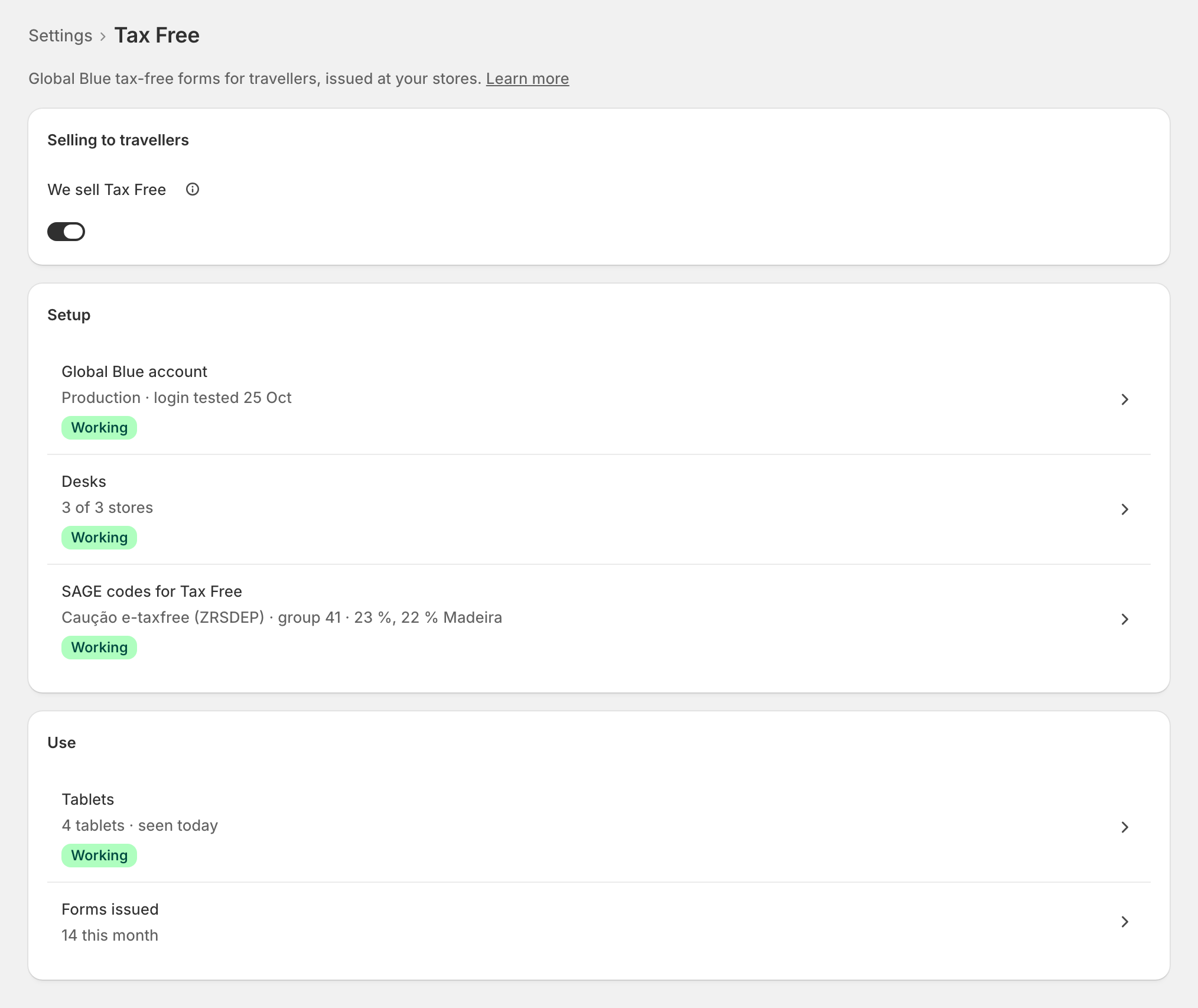
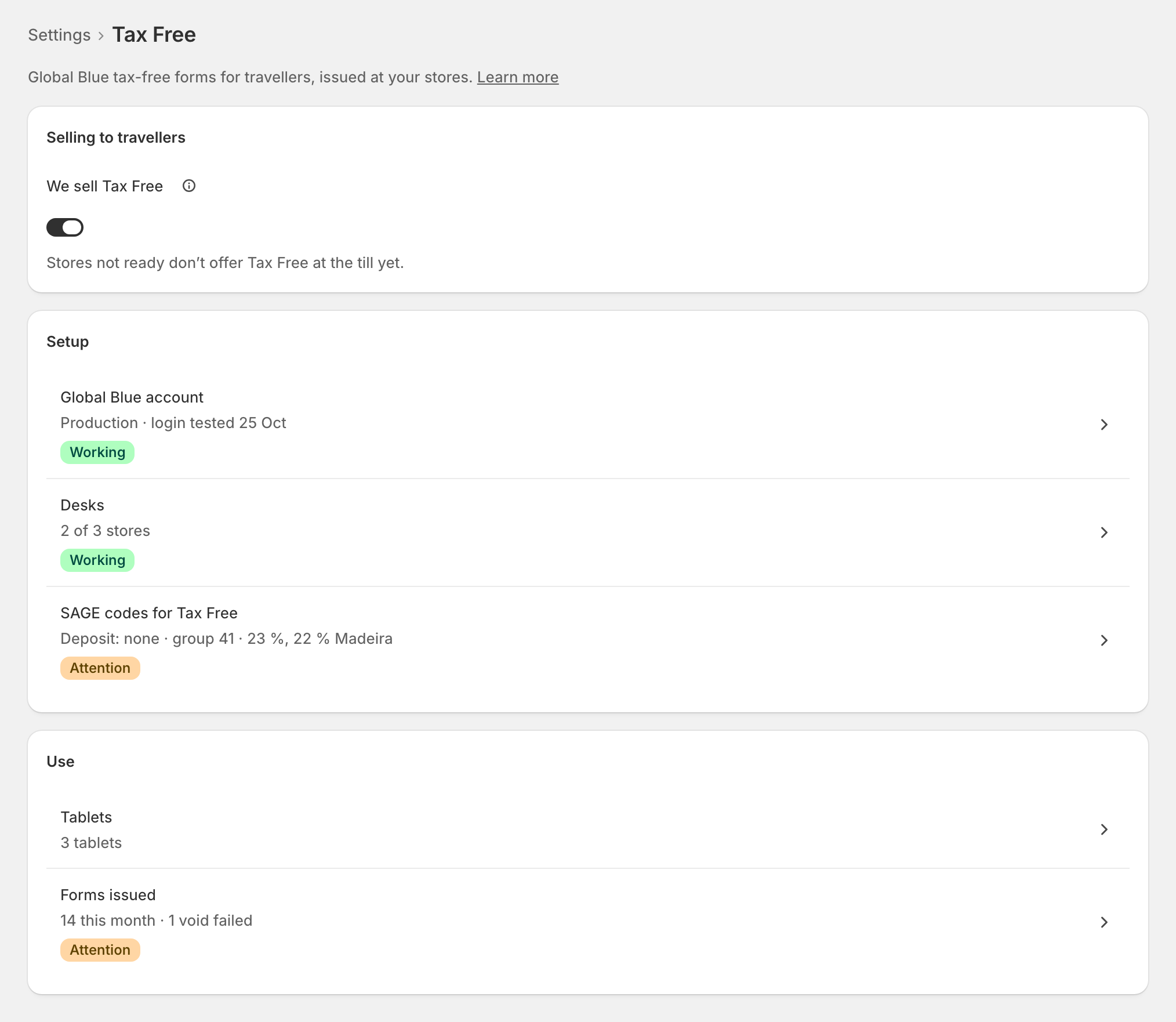
- On: "The till offers Tax Free at each store once that store is ready." A store is ready when it has a desk with its shop ID, a Global Blue login (its own or the account's) and the SAGE codes for its VAT zone. Turning it on before the setup is finished is fine: "Stores not ready don’t offer Tax Free at the till yet."
The rows
Once on, the page shows Setup (Global Blue account, Desks, SAGE codes for Tax Free) and Use (Tablets, Forms issued). Each row says where it stands; a row that needs you opens the exact field to fix.
Turning it off: "From the next sale, everything is invoiced with VAT and tablets issue no forms. Your setup stays saved, and refunds still void their forms."
Edge cases
- "Not in your plan." The switch can't be turned on; Open Plan goes to your plan.
- "Tax Free is no longer in your plan": "The till stops offering it. Refunds still void their forms."
- A read-only plan: "You can turn Tax Free off, but not change its setup." You can still unpair a tablet, remove a login and void a form.
- Tax Free turned off while a sale is in progress: a sale marked Tax Free that reaches zrsPOS after the switch went off is invoiced normally, with VAT.
- A tablet is not part of "ready": a store with no tablet still offers Tax Free at the till. See The tablets.
- Tax Free is optional and does not hold back going live. One exception: a shop that issued Tax Free before the VAT-exempt group was required can't go live again after a pause until it chooses one. See SAGE codes for Tax Free.