 zrsPOS
Managers
What a manager can do at the till and in the admin, and how to make someone a manager.
A manager confirms "Who is selling?" claims, on the POS or in the admin, and may close any store's till. The role is set only in the admin, never at the till; the first manager is always set there.
Make someone a manager
- In Settings › Salespeople, open the person.
- Under Role, choose Manager: Confirms claims and may close any store's till.
- Press Save.
On the tablet, the manager signs in to Shopify POS as themselves, with their own staff PIN, so the till knows it is them. A manager who does not sell needs no SAGE salesman code of their own.
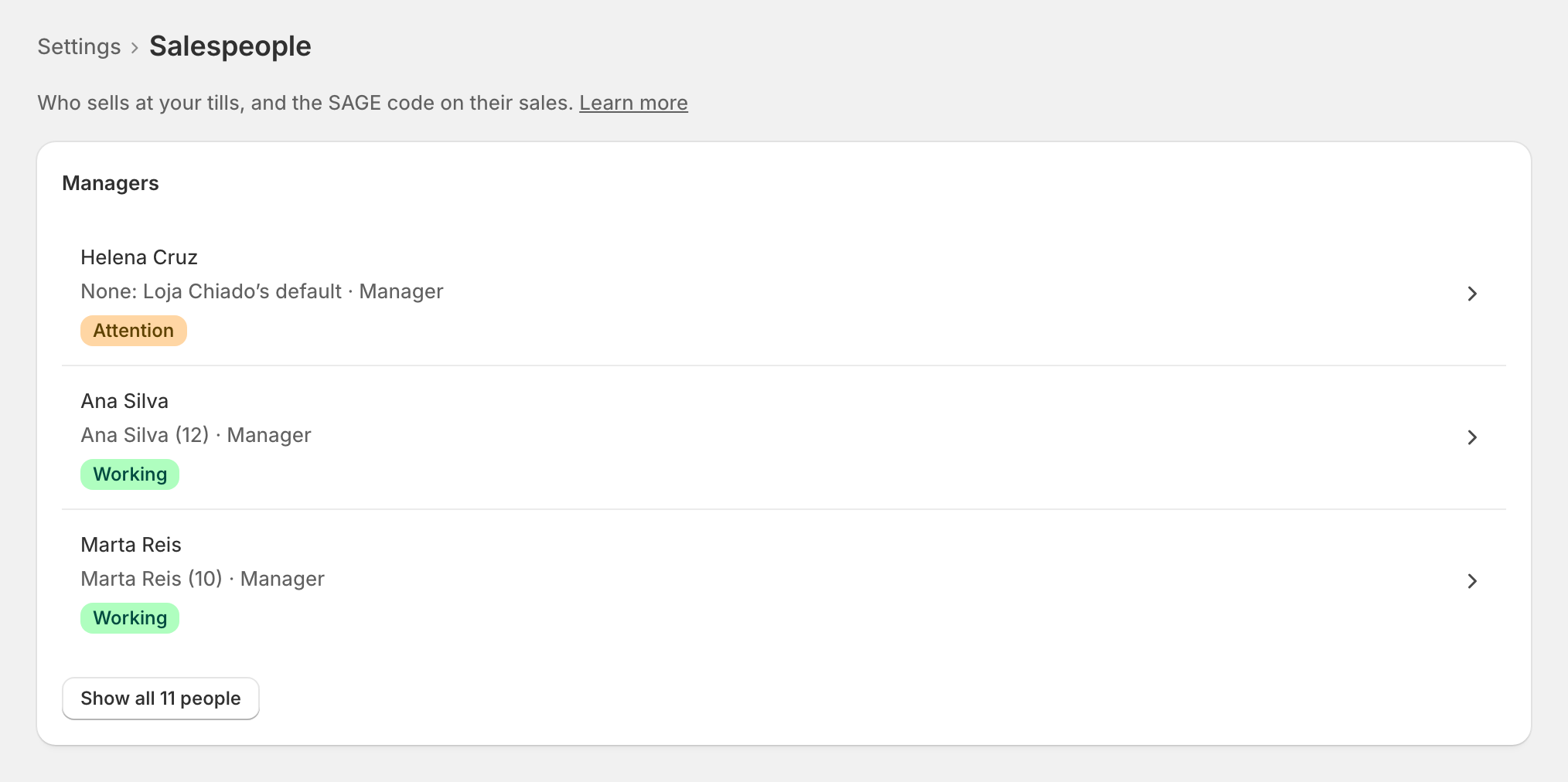
The Managers filter on the Salespeople page lists them.
What a manager does
- At the till: the zrsPOS tile says 1 salesperson to confirm when claims wait, from every store. Under Salespeople, Confirm or Reject each one. See Who is selling?
- Closing the till: when your closing rules say Managers only, a manager closes. With sales still without a document, a manager always closes, whatever the rules. See Till close.
- In the admin: anyone with access to the zrsPOS admin can manage Salespeople; the role is about the till.
Edge cases
- The only manager, and the closing rules say only managers close. They cannot become a seller, or be switched off, until someone else is a manager: Make someone else a manager first. Or change who may close the till.
- No manager yet: Managers only cannot be saved in the closing rules until at least one manager is confirmed. See No confirmed manager.
- A manager cannot confirm their own claim: another manager does it, or you confirm it in the admin.
- A manager without a SAGE code who sells: their sales carry the store's code, and the page shows Attention until they are linked.
More in Selling at the POS
- The zrsPOS tiles
- A sale, step by step
- The customer's NIF
- A company's NIF
- Which document a sale issues
- Receipt, e-mail or both
- The zrsPOS tile
- A sale without a document
- zrsPOS documents on the order
- Gift receipts at the till
- The Till tile
- Who is selling?
- Salespeople
- One salesperson
- A new SAGE salesman code
- Selling problems