 zrsPOS
The test document
One real POS sale proves the whole path - zrsPOS issues its document in your SAGE, reads it back and cancels it with a credit note. Which sales qualify, what each result means, and a test document left in SAGE.
Before you go live, one real sale proves everything works: the document is issued in your SAGE through the same path as your customers' sales, read back from SAGE, then cancelled with a credit note.
Run the test
- On Shopify POS, sell any item at a store zrsPOS invoices and take payment.
- On Go live, under Test document, pick that sale in POS sale to test: "Paid POS sales of the last 3 days, with no document."
- Press Issue a test document for …. zrsPOS asks first: "zrsPOS issues a real document in your SAGE, reads it back, then cancels it with a credit note." Press Issue test document.
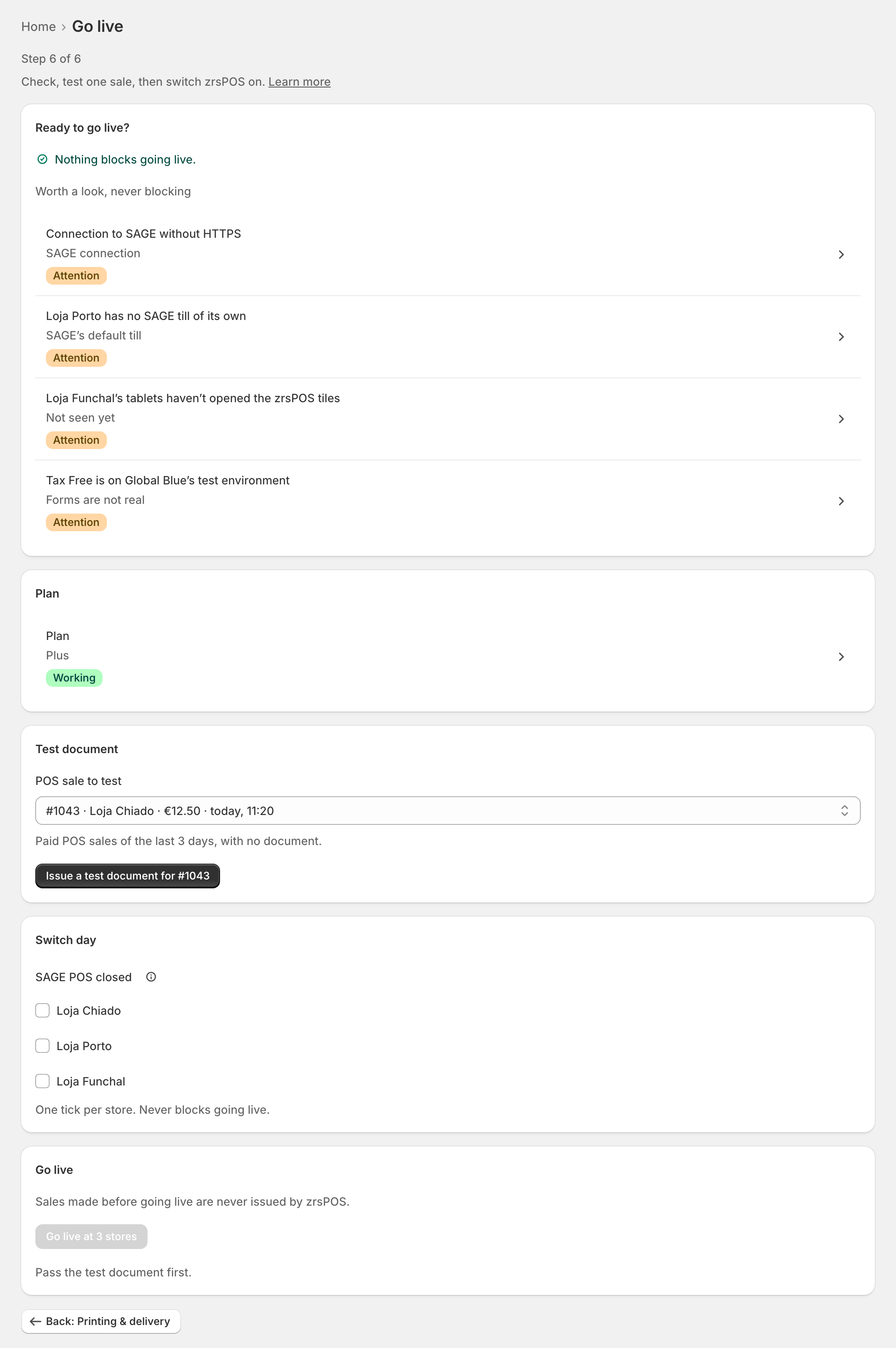
The page shows each of the three steps as it runs.
Passed
"Passed: … issued, read back and cancelled by …" Under it, the document's ATCUD and the SAGE payment method it was booked on, and where it printed. The test passes only when SAGE gives the document back and the credit note cancels it exactly. Go live at … then opens.
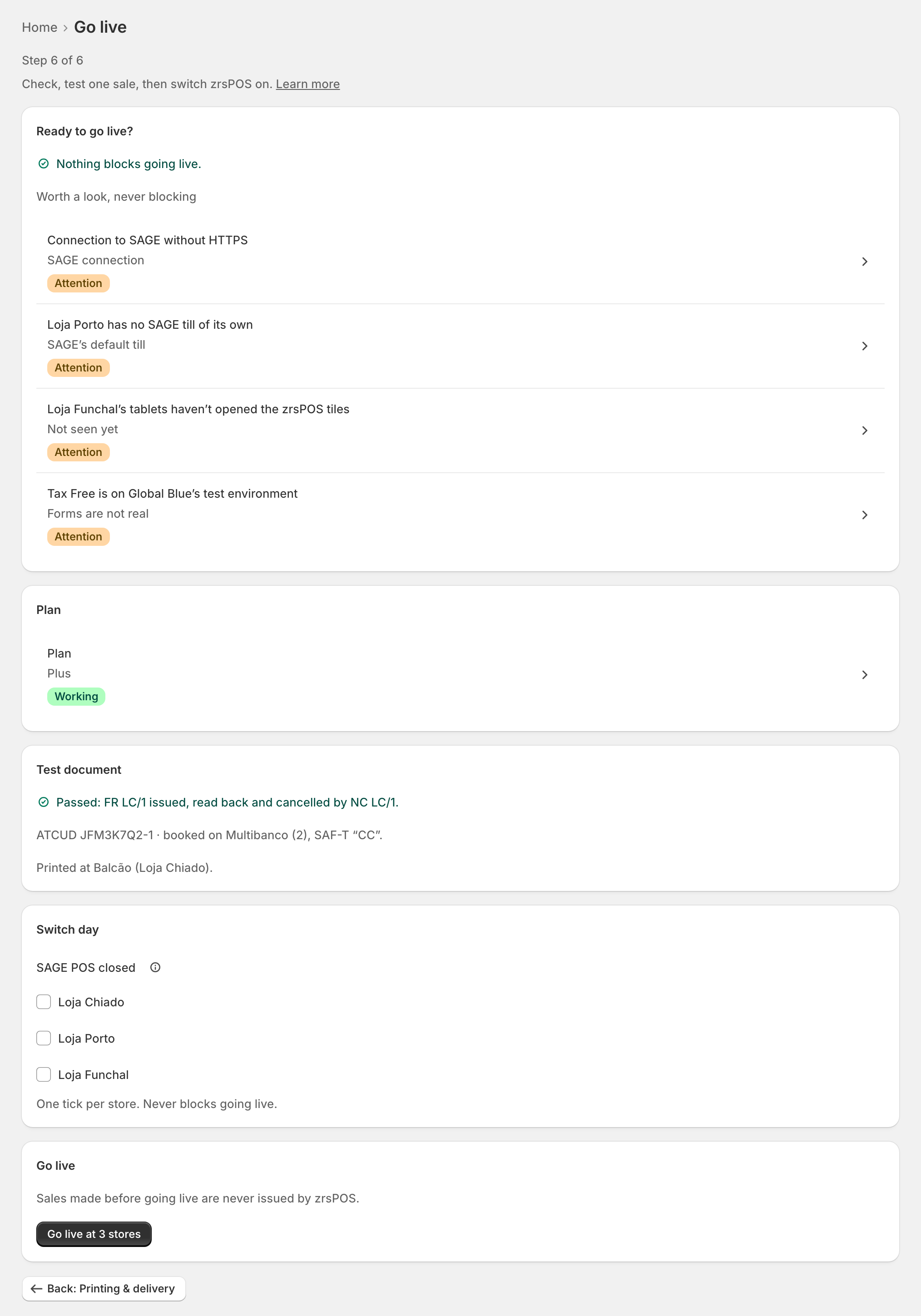
A printer that did not answer does not fail the test: "Not printed: … isn’t answering. The test still counts."
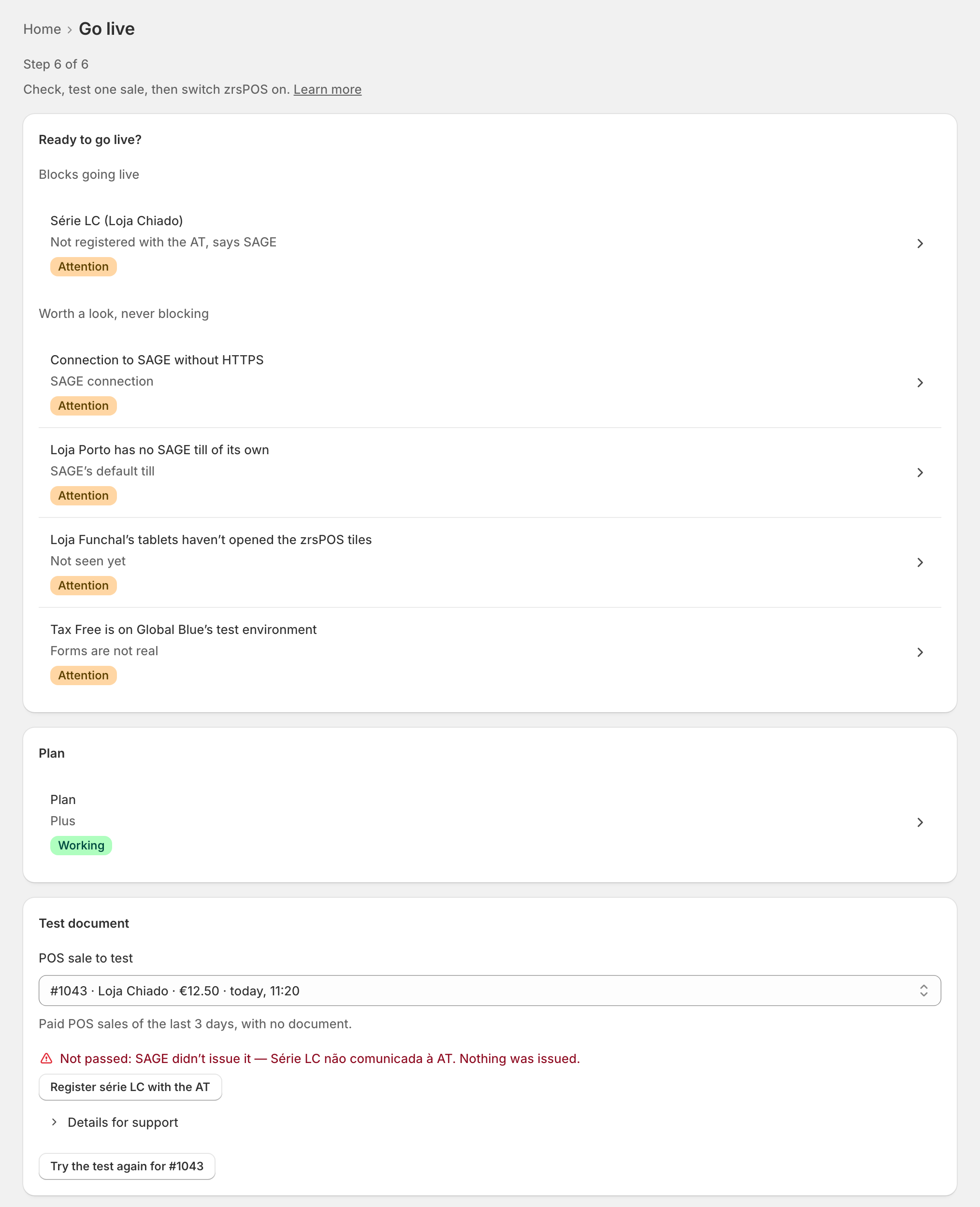
Not passed
- SAGE refused it: "Not passed: SAGE didn’t issue it — … Nothing was issued." The reason also becomes a row under Blocks going live, opening the field to fix. Then Try the test again for ….
- SAGE didn't answer the read-back: "… was issued, but SAGE didn’t answer when zrsPOS read it back. The test doesn’t count yet." Press Read … back again.
- SAGE's total differs from the sale's: "SAGE’s total for … is …; the sale was … The test doesn’t count: write to support@zrspos.com."
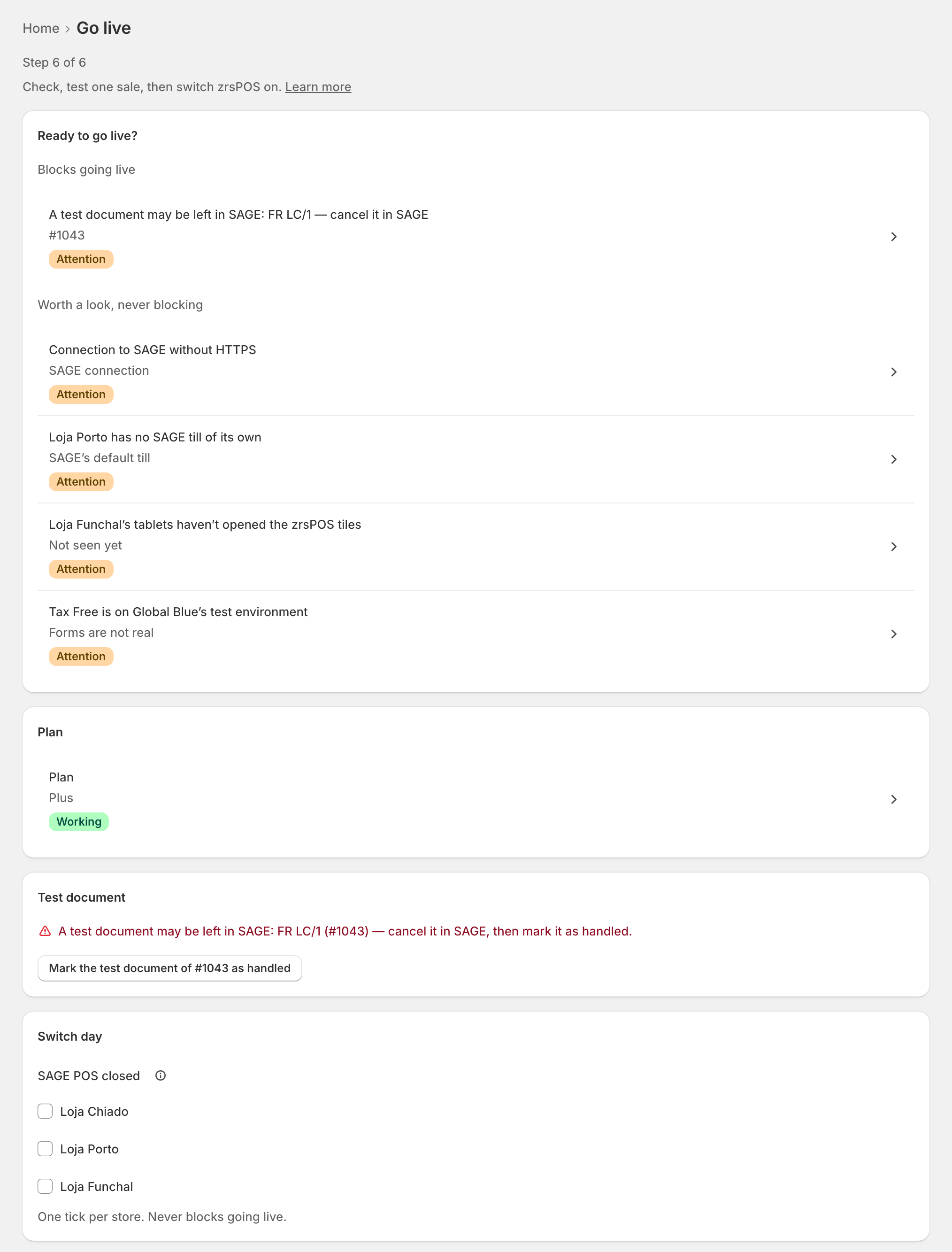
A test document may be left in SAGE
If cancelling could not be confirmed (SAGE refused the credit note, or did not answer), the page says "A test document may be left in SAGE: … (…) — cancel it in SAGE, then mark it as handled." Going live stays blocked until you do:
- In SAGE, look up that document and cancel it.
- Press Mark the test document of … as handled.
The same row shows on Home, before and after going live.
Edge cases
- "No suitable sale": "none was paid at the POS in the last 3 days at a store zrsPOS invoices." Make a sale, then Look for POS sales again.
- Sales the test never offers: online orders, Shopify test orders, unpaid orders, orders older than 3 days, Tax Free sales, sales paid with store credit, orders edited or partly refunded, and orders that already have a document.
- 10 a day: "10 test documents today already: that is the daily limit. Test again tomorrow."
- The test needs the setup working: "Fix what blocks going live first." With no plan: "Choose a plan first: the test issues a real document."
- Counted on your plan: the test document is a real document.
- The credit note is never printed.
- A refund of the test order later in Shopify is never credited by zrsPOS on its own. See A refund of a go-live test order.