 zrsPOS
Pause and resume issuing
Pause issuing at every store during SAGE maintenance or when documents look wrong. Sales made while paused are skipped for good; resuming starts from the next sale.
Pause
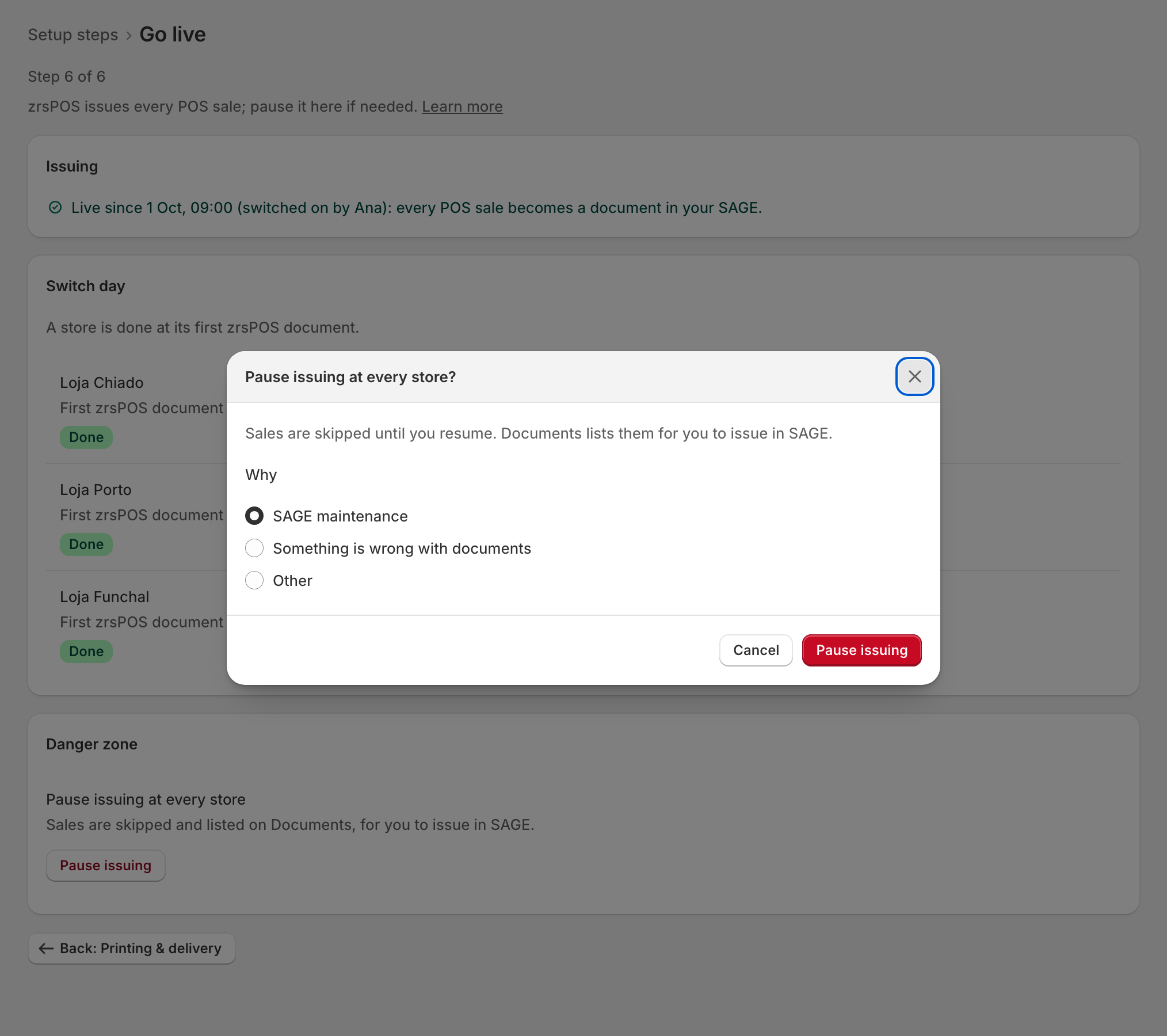
After going live, the Go live page holds Pause issuing at every store in its Danger zone: "Sales are skipped and listed on Documents, for you to issue in SAGE."
- Press Pause issuing.
- Under Why, choose SAGE maintenance, Something is wrong with documents or Other and type the reason: "Type a reason first: it shows on Home and Go live."
- Press Pause issuing.
Home and Go live then show who paused, since when and why: "Paused since … by …: … Sales are skipped."
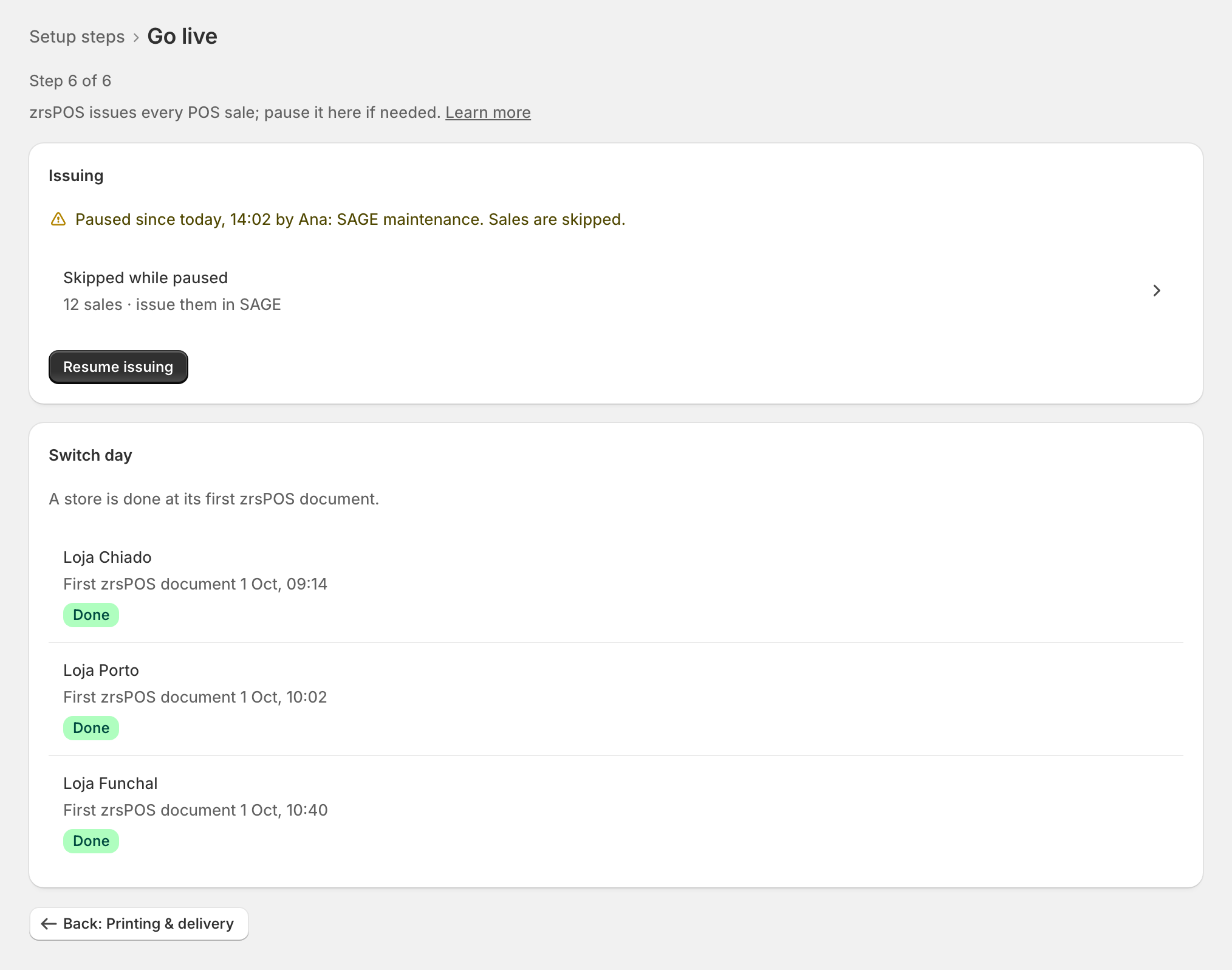
Skipped sales
While paused, sales are skipped: zrsPOS never issues them later, even after you resume. Skipped while paused counts them and opens Documents, where they wait under Skipped: "Sold while issuing was paused. Issue them in SAGE if needed." See Waiting, held and skipped sales.
Resume
Press Resume issuing. zrsPOS asks first: "From the next sale, every POS sale is issued again. The … skipped sales stay listed on Documents." Confirm with Resume issuing.
Edge cases
- Resume is off: "Fix what blocks issuing first: Resume opens once nothing does." The button below it opens what blocks issuing.
- A read-only plan: "Pausing, resuming and the switch-day ticks still work."
- A plan that ended or was suspended stops a resume; a failing payment does not.
- Pausing one store only: pause it on its own page. See Pause a store.
- After a change of SAGE company issuing pauses by itself: "Since the change to …: confirm these pages for it." The sales of that pause are listed as "Not issued while issuing was paused" and are never issued by zrsPOS either.
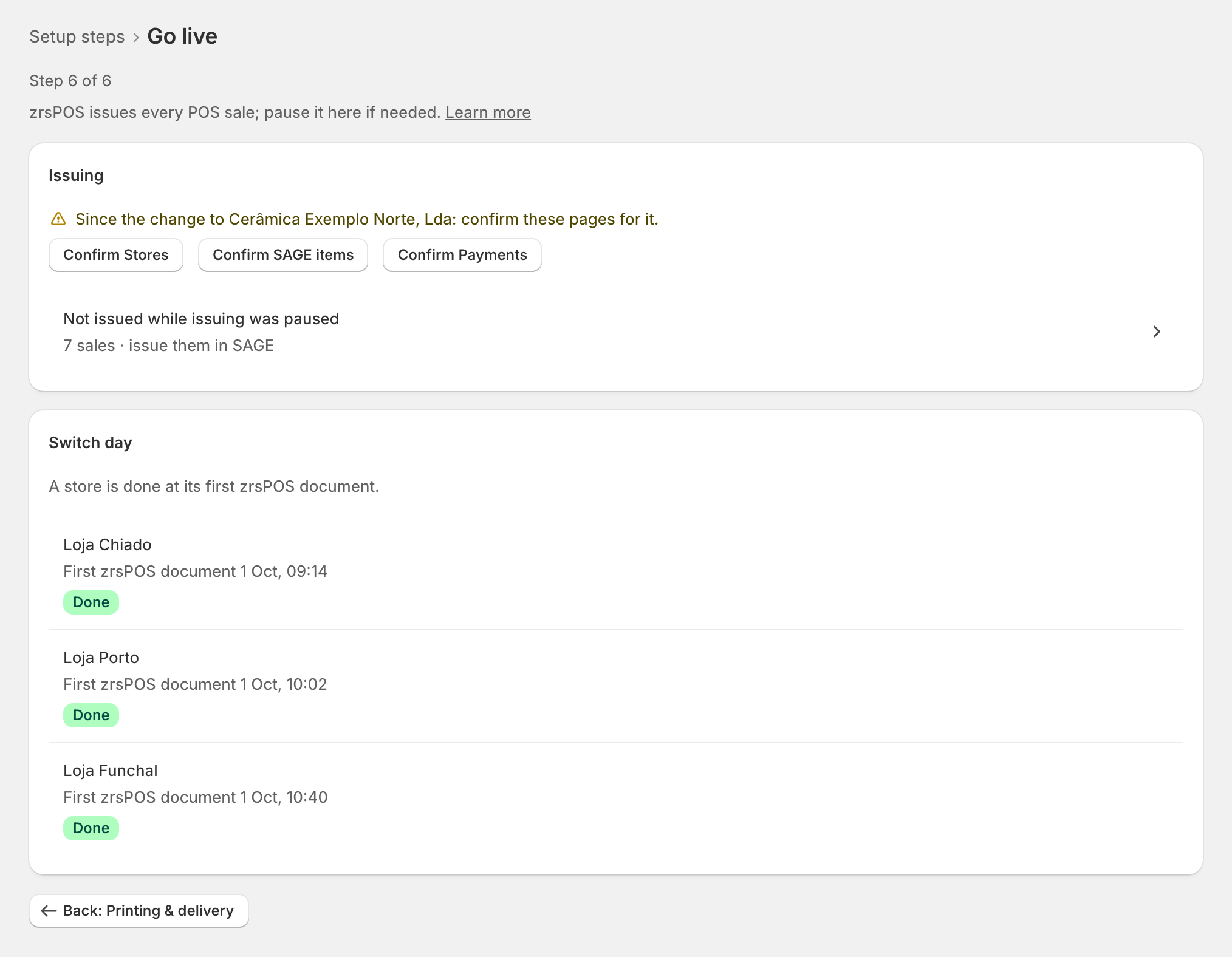
- SAGE was disconnected: issuing pauses by itself too, with that reason.
- Pause is refused (zrsPOS did not answer): "Not paused: …". Nothing changed; press again.