 zrsPOS
Several SAGE tills at a store
A store with several SAGE tills - the main till, whether tablets share a till, each tablet's usual till, one till per tablet, and a change of tills that waits for the close.
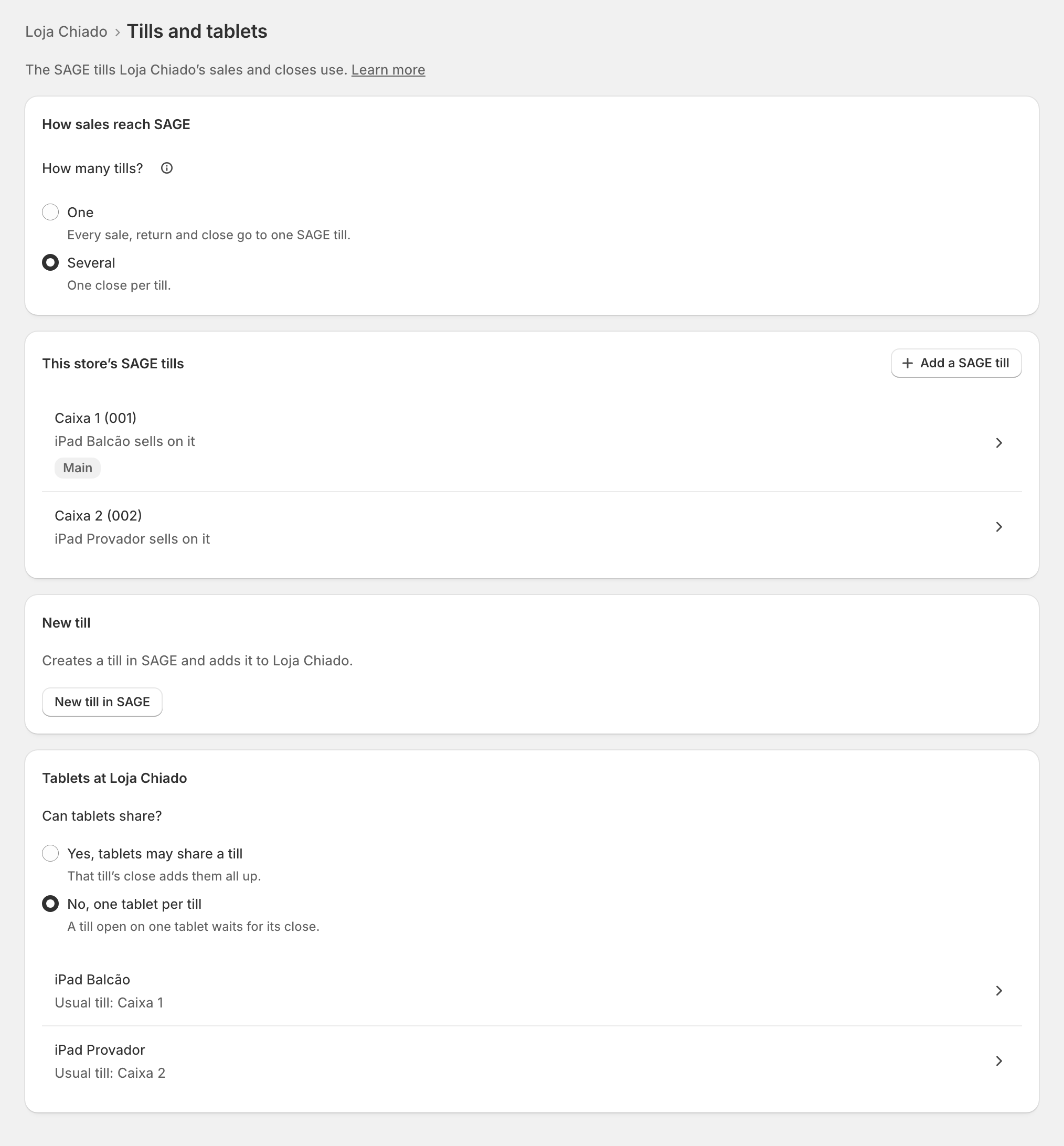
With How many tills? on Several, the store's Tills and tablets lists This store’s SAGE tills, each with the tablet that sells on it. Each till closes on its own.
The tills
- Add a SAGE till offers your SAGE's free tills. Every till taken? "Every SAGE till is in use. Create one below."
- Open a till for its sheet: Make … the main till, or Remove … from …. "Its tablets move to the main till, … … stays in SAGE."
- The Main till is the one "tablets without a usual till open".
The tablets
Under Tablets at …, Can tablets share?
- Yes, tablets may share a till: "That till’s close adds them all up." The first tablet opens it with the float; the others join it.
- No, one tablet per till: "A till open on one tablet waits for its close."
Open a tablet to set its Usual till: "It opens first at Open till." With one tablet per till, two tablets cannot have the same usual till: "… is …’s usual till. One tablet per till."
Each day, the tablet picks its till on the Till tile: "Which till does this tablet use today?" See Stores with several tills.
One SAGE till per tablet
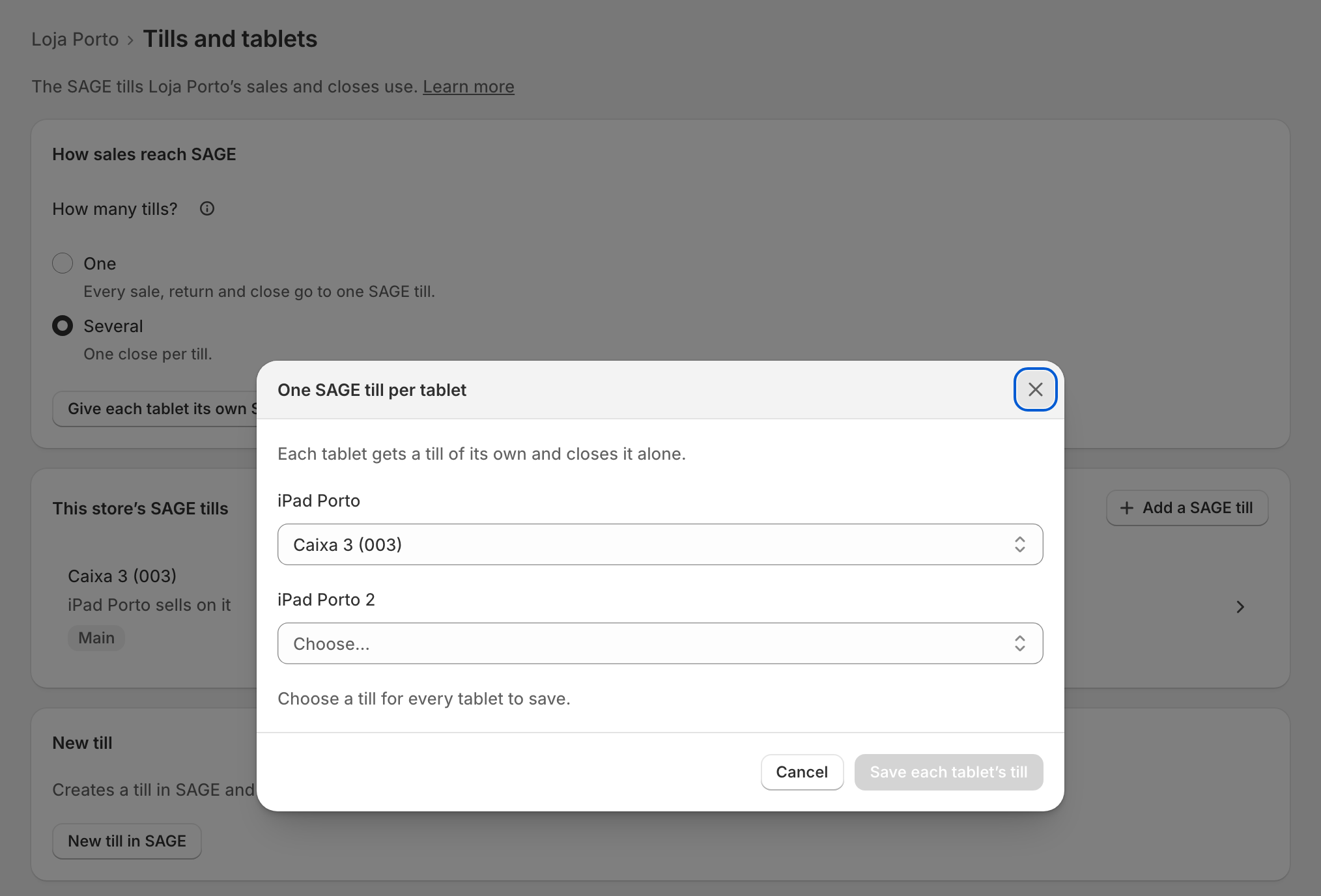
A store with one till and two or more tablets can give each tablet its own till: choose Several, then Give each tablet its own SAGE till. Pick a till for each tablet and save. "Each tablet gets a till of its own and closes it alone."
A change waits for the close
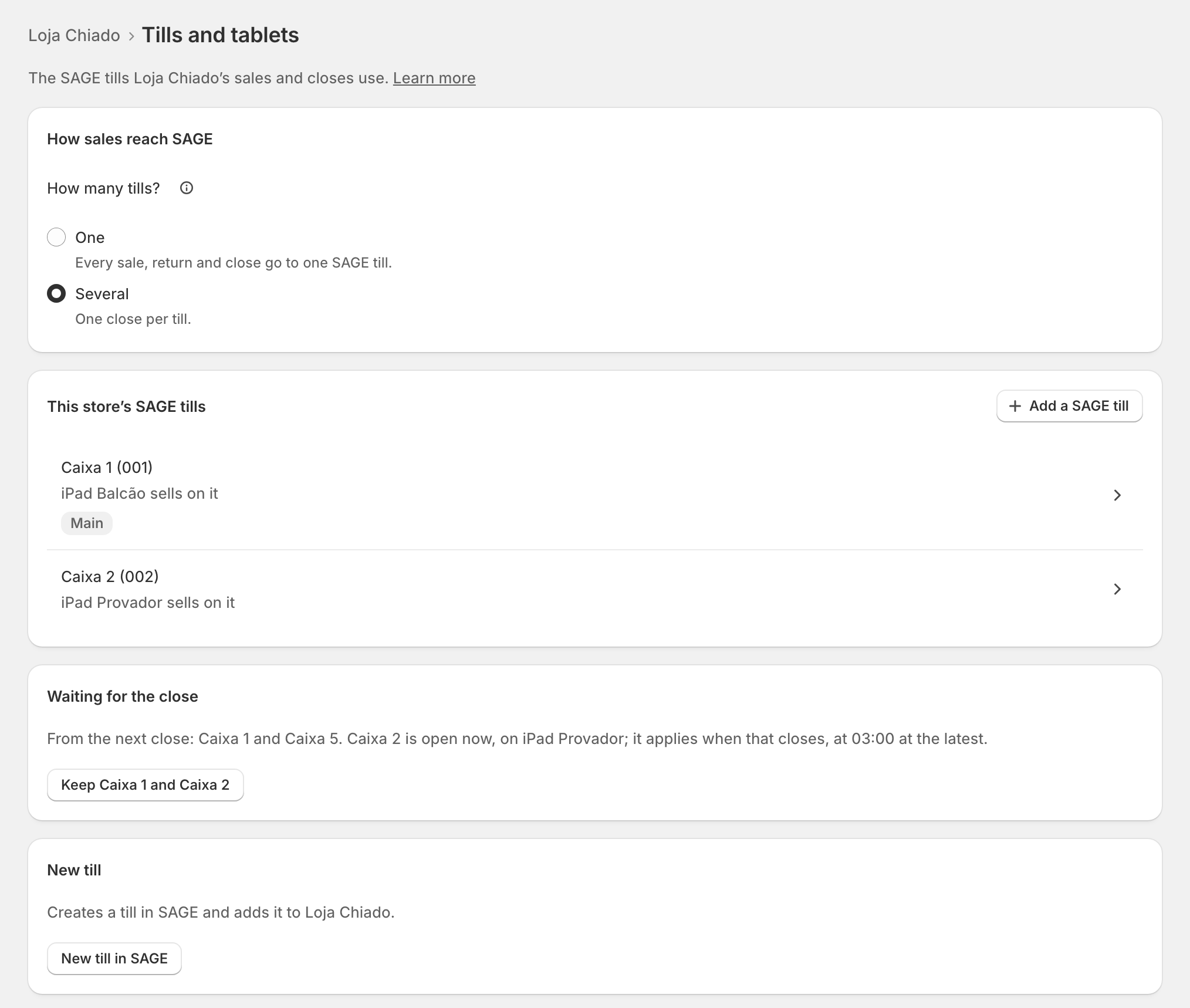
Changing the tills while a till is open would leave a till nobody can close. So the change waits: Waiting for the close says "From the next close: … … is open now, on …; it applies when that closes, at 03:00 at the latest." The button Keep … drops the waiting change.
Edge cases
- "Needs two tablets that opened the Till tile here. Open it on a second tablet." One till per tablet needs two tablets seen at the store.
- Only one till listed: "Only … is listed: saving makes this a one-till store."
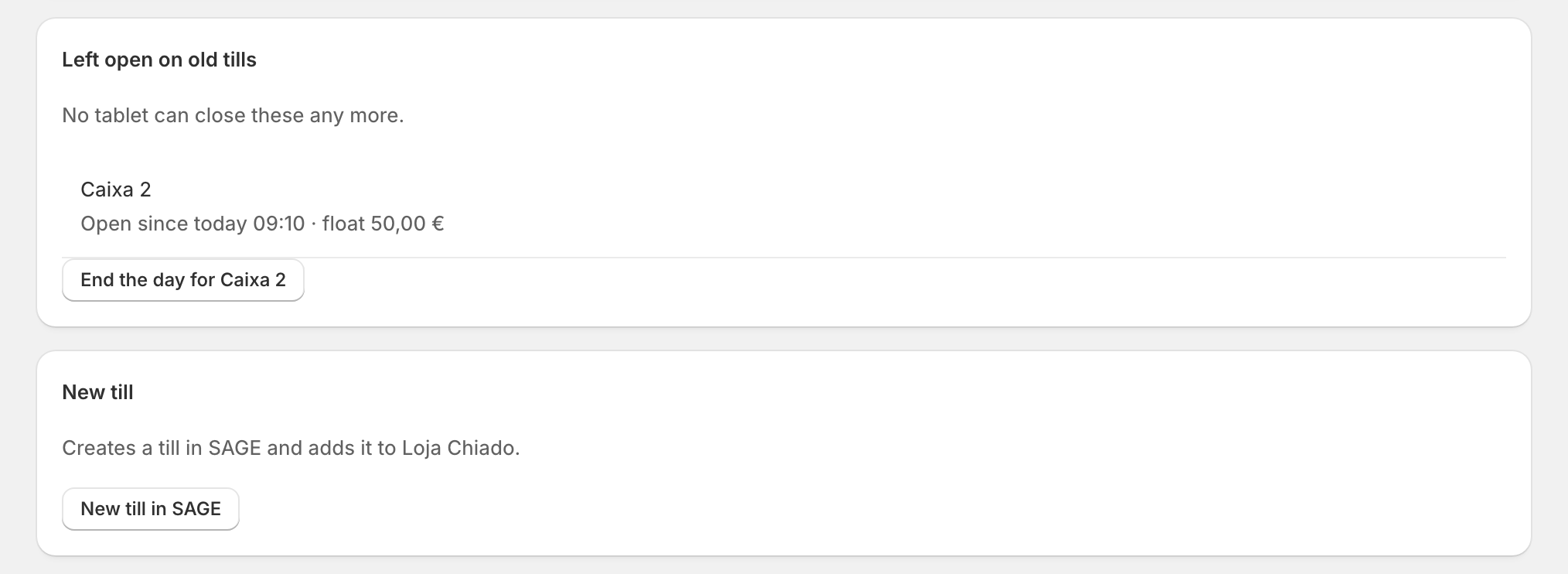
- A till left open on a till the store no longer has: Left open on old tills, "No tablet can close these any more." End the day for …: "The period ends with no till close document, and nothing is counted." Its float is suggested at the next opening.
- A tablet with a problem shows a pill and opens its own page. See The store's tablets.
- Every till in use at the tablet: the sale still goes through, on the main till. A sale is never refused.
- Stores that closed per tablet are asked once, "How should it close?": Keep one close for the store, or give each tablet its own till.
More in Stores & tills
- The Stores page
- Does a store sell at a till?
- Every location needs its own setup
- Pause a store
- Choose a store's série
- The documents a store issues
- A store's SAGE records
- VAT zone and time zone
- Float and closes to SAGE
- A store's SAGE till
- New till in SAGE
- SAGE tills
- The store's tablets
- Set up Shopify POS for zrsPOS
- The till through the day
- When a store needs attention