 zrsPOS
Float and closes to SAGE
Closing the till on a store's page - whether the till starts with a float, and whether each close goes to SAGE as a till close document.
On the store's page, Closing the till has two questions. The rules that are the same for every store (who closes, counted cash, the close e-mail) are on Closing rules.
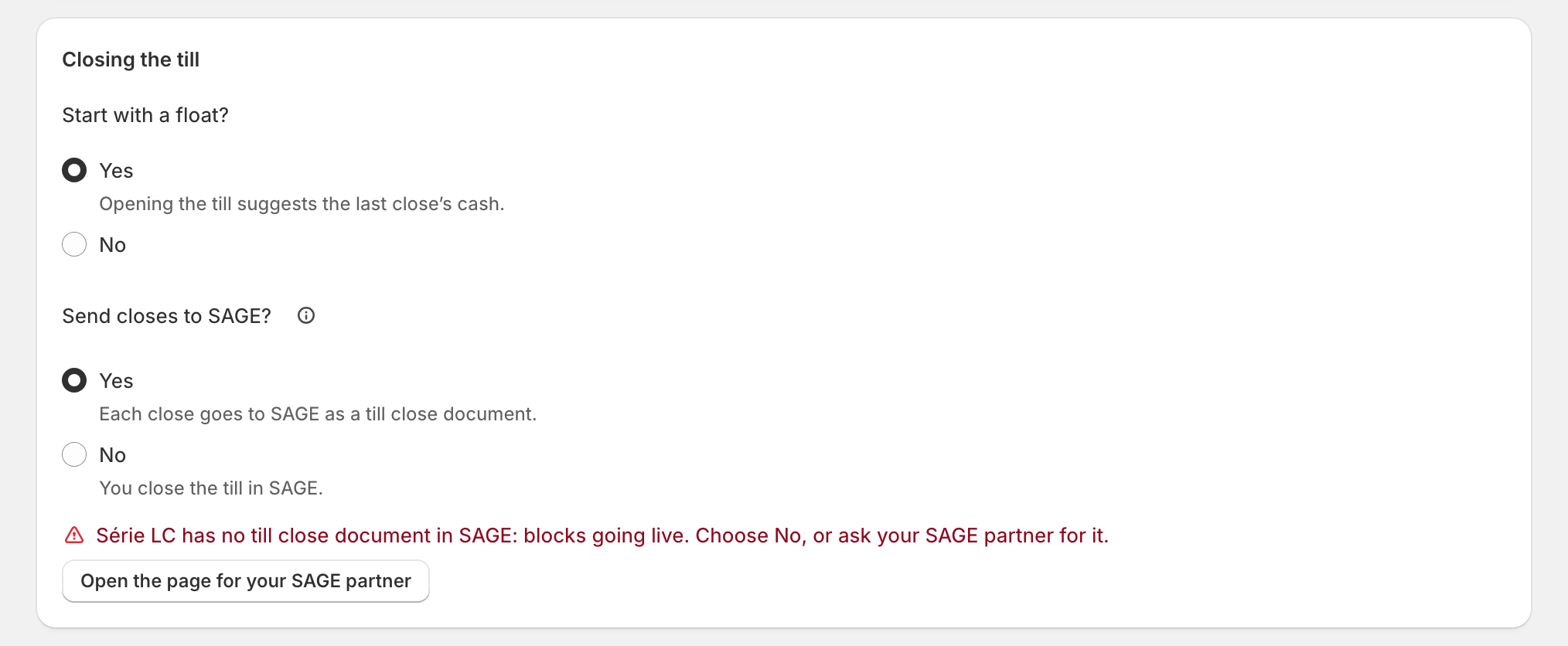
Start with a float?
- Yes: "Opening the till suggests the last close’s cash." Staff count the drawer and confirm the float on the Till tile.
- No: the till opens with 0.
How opening works at the till: Open the till.
Send closes to SAGE?
"Yes when zrsPOS replaces SAGE’s own POS here: each close becomes a till close document in SAGE."
- Yes: "Each close goes to SAGE as a till close document."
- No: "You close the till in SAGE." zrsPOS still counts the till; SAGE gets no till close document from it.
This question needs a SAGE till: without one it reads No, "Needs a SAGE till first.", with Choose …’s SAGE till. See A store's SAGE till.
Edge cases
- No till close document in the série: "Série LC has no till close document in SAGE: blocks going live. Choose No, or ask your SAGE partner for it." See The série has no till close document (FCX).
- Moving from SAGE's own POS: close the last day in SAGE's POS first, then leave this on Yes. See Before the first close.
- Changing either answer on a live shop asks first, naming the change: "a float at opening", "closes done in SAGE".
- Several SAGE tills: each till closes on its own, each with its own till close document. See Stores with several tills.
- Float off: the close never asks what was taken out for the bank.
More in Stores & tills
- The Stores page
- Does a store sell at a till?
- Every location needs its own setup
- Pause a store
- Choose a store's série
- The documents a store issues
- A store's SAGE records
- VAT zone and time zone
- A store's SAGE till
- Several SAGE tills at a store
- New till in SAGE
- SAGE tills
- The store's tablets
- Set up Shopify POS for zrsPOS
- The till through the day
- When a store needs attention