 zrsPOS
Reprint: 2.ª via or original
Reprint a document at the till or from the admin; the 2.ª via, and the rule that an original is printed again only when the first print failed.
A document has one original. Every later print is a 2.ª via (a second copy), marked so on the paper. Your accountant's rule: print another original only when the first one never came out (the printer failed, or never confirmed it). Otherwise, always print a 2.ª via.
At the till
In the order's zrsPOS documents block, or in Documents inside the zrsPOS tile:
- Print, on a document never printed: the original.
- Print 2nd copy, once a receipt came out: the 2.ª via.
- Print original, beside it: prints a paper marked ORIGINAL, and zrsPOS records who chose it. Use it only when the first original never came out.
A reprint at the till comes out at this till's printer, whatever store the document is from. See The zrsPOS tile.
From the admin
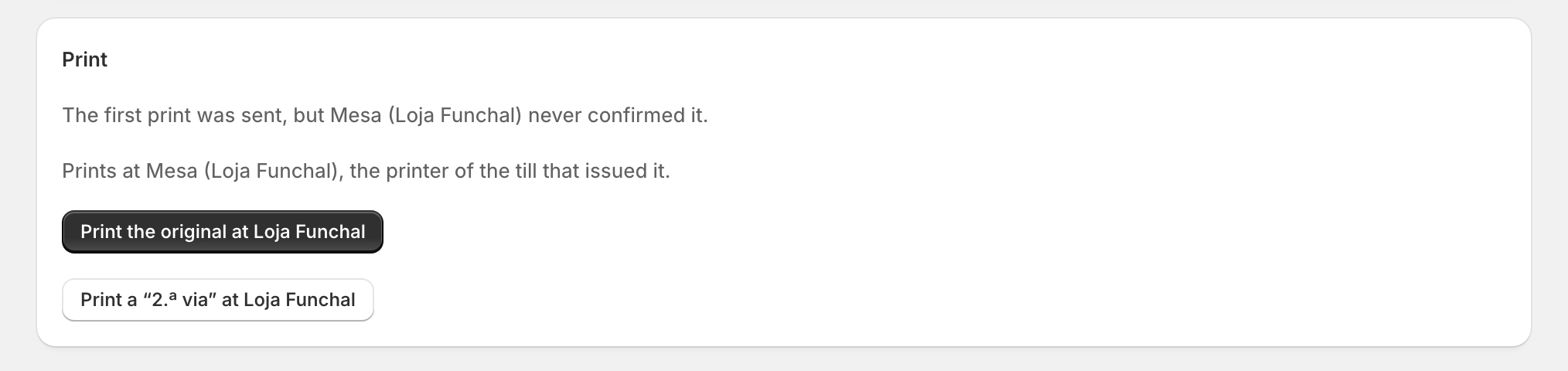
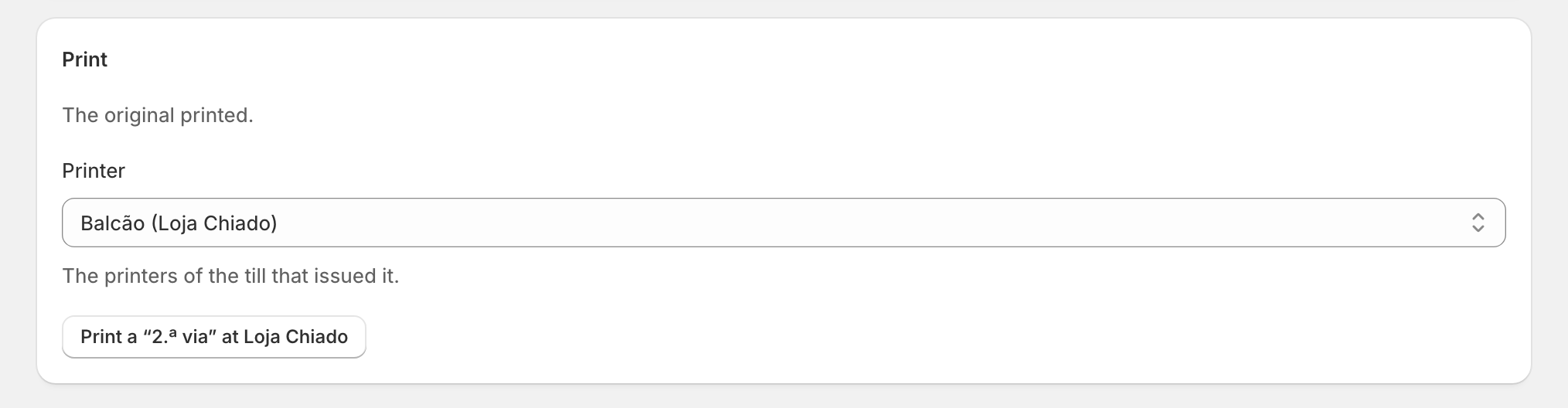
On a document's page, under Print, the first line says how its first print went:
- "The original printed." → only Print a "2.ª via" at …;
- "The first print was sent, but … never confirmed it." → Print the original at … too;
- "It was never printed." → Print it at … (the original);
- "A print of it is on its way to …" → wait: an original now would make two.
The admin offers Print the original only when the accountant's rule allows it, and the server checks again when you press it. It prints at the printer of the till that issued it ("Prints at …, the printer of the till that issued it."); when that till has several, choose one under Printer.
When it went: "2.ª via sent to …" or "Original sent to …".
Edge cases
- "… is not answering, so nothing printed." Check the printer (Open printer …), then press again.
- A print waiting in a printer's queue (printer off) counts as on its way: the next print is a 2.ª via.
- No print history (an old document): the next print is a 2.ª via, to be safe.
- A credit note reprints both copies, the customer's and the merchant's, each marked 2.ª VIA.
- "zrsPOS doesn’t print for this shop. Print it from SAGE." Your shop prints from SAGE, or printing is off: Choose how to print.
- A sale made in SAGE and brought into Shopify has no Print original: its original came out of SAGE.
- A document of a previous SAGE company with no copy of its own can't be printed from zrsPOS.
- On a read-only plan, printing still works.
More in Documents & design
- The documents zrsPOS issues
- Document numbers and the ATCUD
- The Documents page
- Sales that need you
- Waiting, held and skipped sales
- Issue by hand and archive
- A document's page
- The A4 and the receipt
- E-mail a document
- Your company on documents
- The customer on a document
- Templates
- Design the A4 and the receipt
- Style one element
- Preview, and what never changes