 zrsPOS
Choose how to print
Which way a store's receipts reach paper: a PrintBox with the printer on USB for most stores, the print app for special cases.
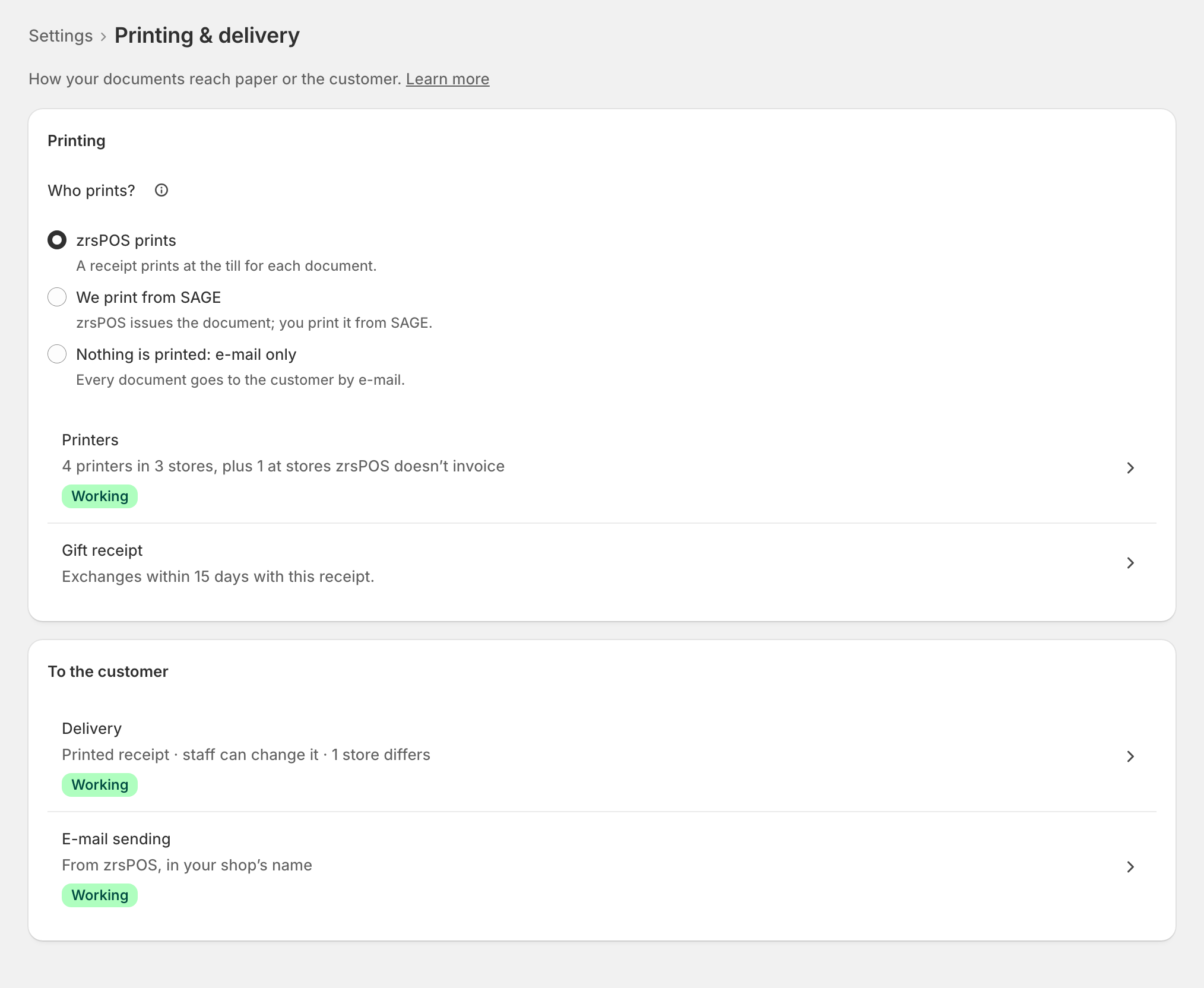
Each printer gets its receipts from zrsPOS in one of a few ways. For most stores, the answer is a zrsPOS PrintBox with the receipt printer on its USB cable. Everything is set in zrsPOS → Settings › Printing & delivery.
Which way for your store
| Your situation | Use |
|---|---|
| Most stores: a receipt printer with a USB cable (recommended) | zrsPOS PrintBox, the printer on its USB cable: Set up a PrintBox |
| A SUNMI with a built-in printer, a Bluetooth printer, or a printer that charges the tablet | The print app, zrsPOS Print on the tablet: Set up the print app |
| An Epson network printer with Server Direct Print (TM-m30III, TM-T88…) | An Epson that fetches receipts |
| Any other printer that speaks ESC/POS on the network | Other ways › Straight to the printer’s address: demos and tests only |
The PrintBox, the print app and the Epson ask zrsPOS for work. Nothing changes on the store's router and nothing is exposed to the internet.
Why the PrintBox on USB
- It prints by itself. Nobody has to keep a tablet awake, charged and online for receipts to come out.
- The tablets stay free for Shopify POS.
- A USB cable has no pairing, no signal and no range to lose.
Use the print app only when the printer can talk to nothing but the tablet: the printer built into a SUNMI, a Bluetooth printer, or a printer that powers the tablet over its cable.
Before you add a printer
- Who prints? must be set to zrsPOS prints. See Who prints?.
- The printer's store must be one zrsPOS invoices.
- A printer belongs to one store, and each store has a main printer. A tablet with no printer of its own prints on the main printer. Each tablet's printer is on its page: The tablets.
Then add the printer.
Edge cases
- Straight to the printer's address needs a port forwarded on the store's router, so the printer can be reached from the internet. The admin warns that it is for demos and tests only.
- An Epson without Server Direct Print (older firmware): plug it into a PrintBox by USB.
- Two printers at one store: one PrintBox can drive several, by USB and on its network port. Each gets its own page in zrsPOS.
- A store with no printer prints nothing. The tablet says so; the receipt can be reprinted later or sent by e-mail.
- You print from SAGE, or e-mail only: you need no printer in zrsPOS at all.
More in Printing
- Who prints?
- Set up a PrintBox
- The PrintBox's status page
- Swap or add a printer on a PrintBox
- Move, unlink or reset a PrintBox
- Set up the print app
- Printers the print app can use
- USB printers and the print app
- Keep the print app running
- An Epson that fetches receipts
- Add a printer
- A printer's page
- Printers and their status
- Receipts by e-mail
- Gift receipts
- Nothing prints: what to check