 zrsPOS
Who prints?
The one shop-wide choice: zrsPOS prints, you print from SAGE, or nothing prints and documents go by e-mail.
One question for the whole shop, at the top of Settings › Printing & delivery. Every store prints the same way, and your printers stay saved whatever you choose.
The three answers
- zrsPOS prints: a receipt prints at the till for each document. Then add your printers: Choose how to print.
- We print from SAGE: zrsPOS issues the document and prints nothing; you print it from SAGE.
- Nothing is printed: e-mail only: every document goes to the customer by e-mail. It needs e-mail sending on for your shop.
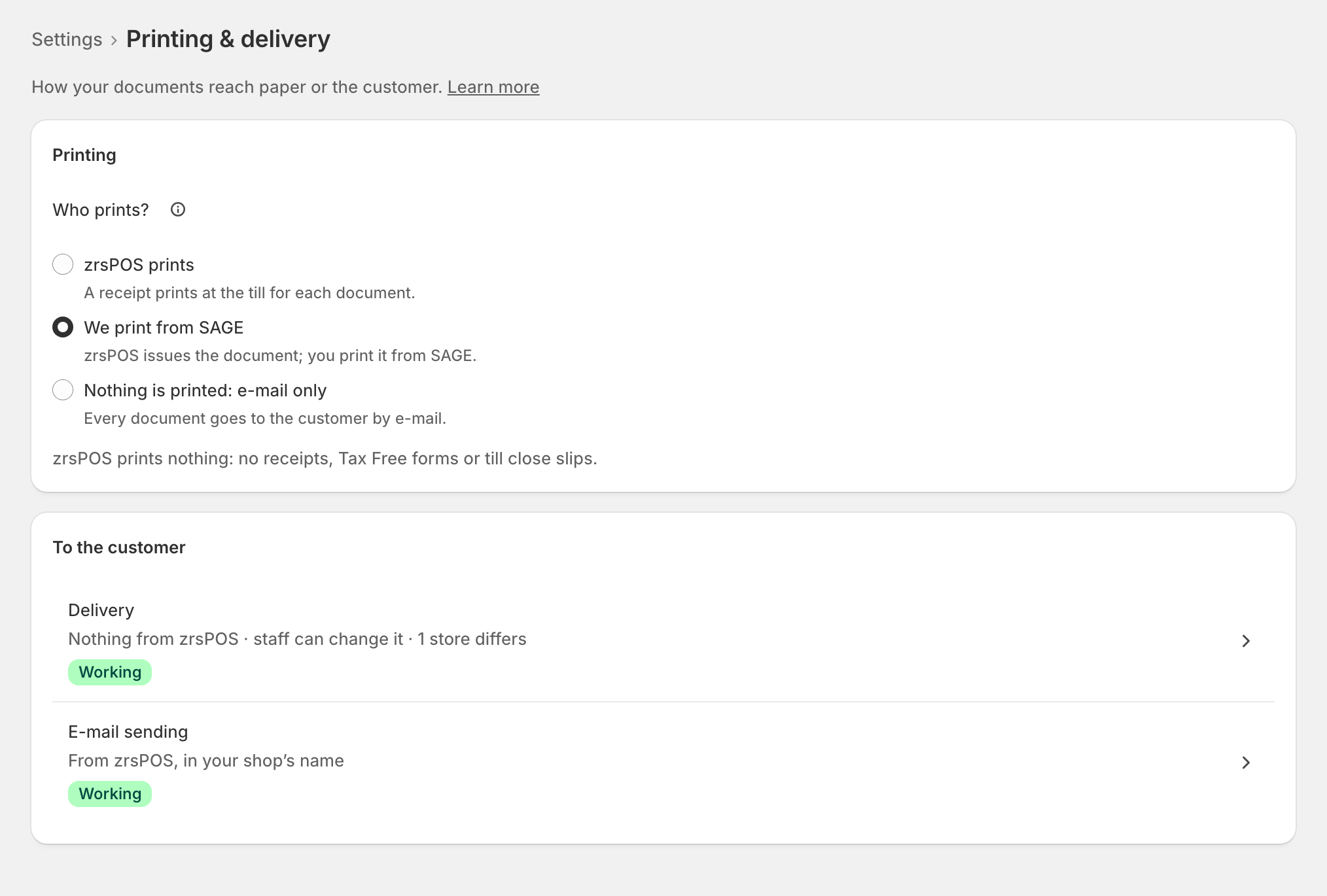
What each customer gets at the till is set under Delivery: see Receipts by e-mail.
What stops when zrsPOS prints nothing
With either of the last two answers, nothing prints from zrsPOS at all: no receipts, no Tax Free forms, no till close slips and no reprints. Your printers keep their settings, so you can switch back at any time.
Changing it on a live shop
On a shop that is live, the change asks first and says what customers get from the next sale. The buttons say what happens: Print with zrsPOS, Print from SAGE or Stop printing. Before go-live, the change just saves.
Edge cases
- E-mail sending is not on yet for your shop: e-mail only cannot work, and the page says so. Write to support@zrspos.com to turn it on.
- A PrintBox or print app will not pair while the shop prints from SAGE or e-mail only. Choose zrsPOS prints first, then add the printer.
- E-mail only, with Delivery set to Nothing: customers get no paper and no e-mail at the till. See Customers get no document.
- Printers while zrsPOS prints nothing: they stay listed and keep their settings. A test prints again once zrsPOS prints.
More in Printing
- Choose how to print
- Set up a PrintBox
- The PrintBox's status page
- Swap or add a printer on a PrintBox
- Move, unlink or reset a PrintBox
- Set up the print app
- Printers the print app can use
- USB printers and the print app
- Keep the print app running
- An Epson that fetches receipts
- Add a printer
- A printer's page
- Printers and their status
- Receipts by e-mail
- Gift receipts
- Nothing prints: what to check