 zrsPOS
Repair a numbering chain
When SAGE's counter for a série is behind the last number already issued, SAGE refuses every sale in it. How zrsPOS finds it, and how your SAGE partner repairs it without breaking the numbering.
SAGE keeps a counter for each série and document type: the number of the last document issued. If the counter is lower than the highest number already issued, SAGE tries to issue a number that exists and refuses it, with a message such as "Can't change a signable document". Every sale in that série then fails until the counter is right. Certified numbering never repeats and never goes back, so the repair is done with care, in SAGE.
How zrsPOS finds it
For every série and document type a store uses, zrsPOS compares SAGE's counter with the highest number actually issued. A counter below it is a broken chain: the store's Documents & SAGE codes says so, and Home shows The série numbering needs fixing. This is read only: zrsPOS never changes a counter.
What must be true at the end
For each série and document type, the counter is equal to or higher than the highest number issued.
The steps
The guided task is on the store's Documents & SAGE codes: Repair a numbering chain: "Done in SAGE by your SAGE partner. zrsPOS never changes a counter."
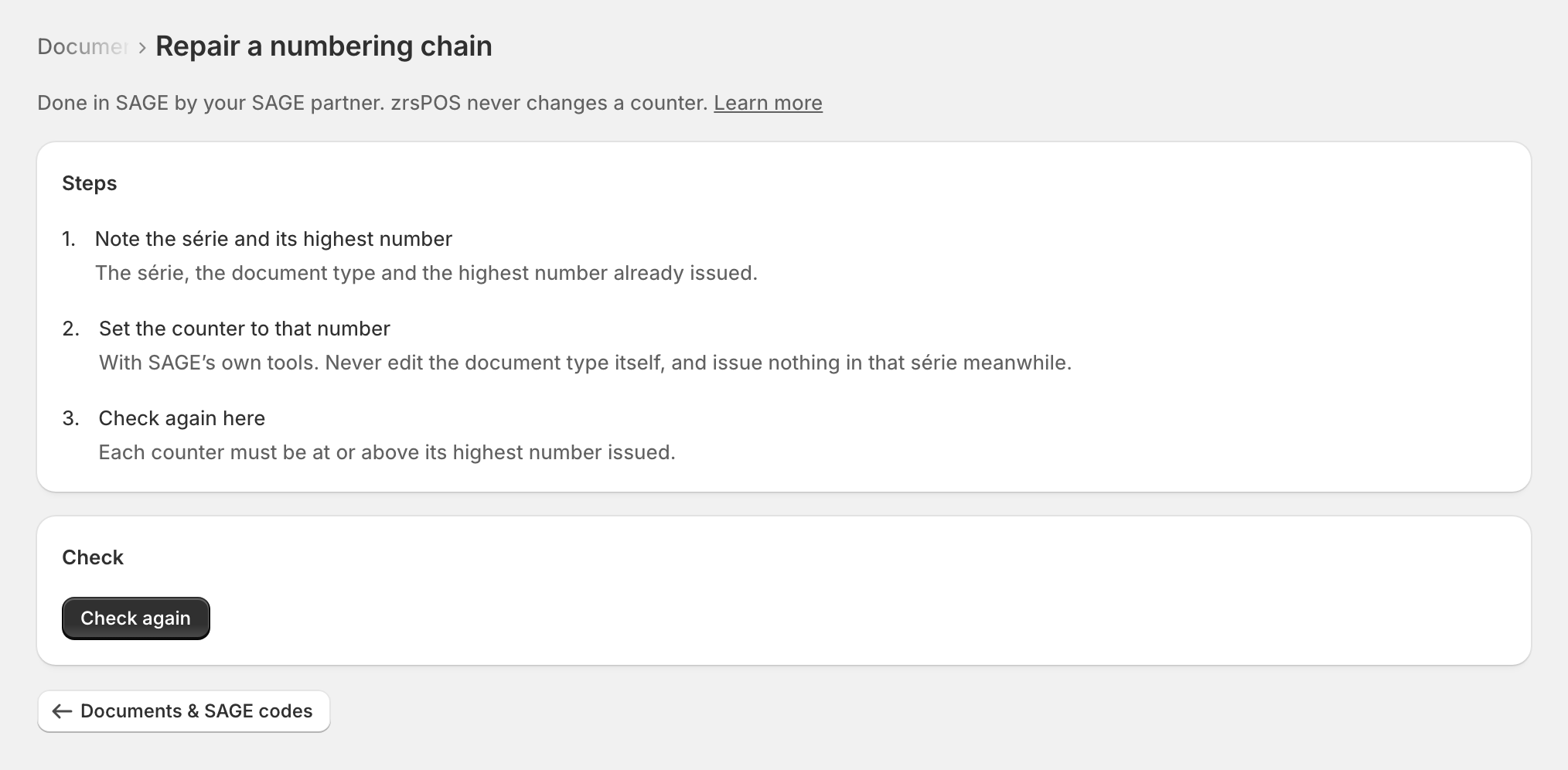
- Note the série and its highest number: "The série, the document type and the highest number already issued."
- Set the counter to that number: "With SAGE’s own tools. Never edit the document type itself, and issue nothing in that série meanwhile."
- Check again here: "Each counter must be at or above its highest number issued."
Press Check again. The store's série problem goes away when every counter is at or above its highest number issued.
Edge cases
- Never edit the document type itself: changing a live document type in Sage's configuration can move the counters of every série of that type, or replace the type. Only the affected série's counter should change.
- Sales that failed meanwhile wait in Documents under Needs you. Once the counter is right, press Try again: each gets the next free number, never the one it would have had.
- Never issue those sales by hand in SAGE while you wait: they would be issued twice once you try again.
- Only one document type broken (say, the credit notes): only those documents fail; sales go on.
- "Not yet: zrsPOS checked and this is still not in order." SAGE can take a minute to show the change: check again shortly.
- A gap is never filled: the counter only moves up to the highest issued number, never back.
More in SAGE
- SAGE and your SAGE partner
- Put SAGE on the internet
- Connect zrsPOS to your SAGE
- Test the connection
- When the connection test fails
- SAGE functions and licence
- Your company and the lists read from SAGE
- Change SAGE company
- Register a série with the AT
- SAGE items
- Custom-sale items
- Island VAT items
- Refund and shipping items
- Barcodes
- Payment methods
- Default SAGE payment method and what counts as cash
- Store credit as a voucher: a voucher for each store
- Payments on returns and online orders